Beginner
Stay in the UI. Finish Start here, then learn these four ideas in order. Together they cover the daily loop: compose something reusable, send it, automate a simple reply, and verify what happened.
1. Send
Send is the one-off composer. You pick a connected device, a recipient (typed number/chat/email or a contact), and either an inline message or a saved template. Use this to prove the channel works before you automate anything.
Fallback channels, variables, and attachments (when your plan allows) are available here the same way they appear later in Campaign and the API.
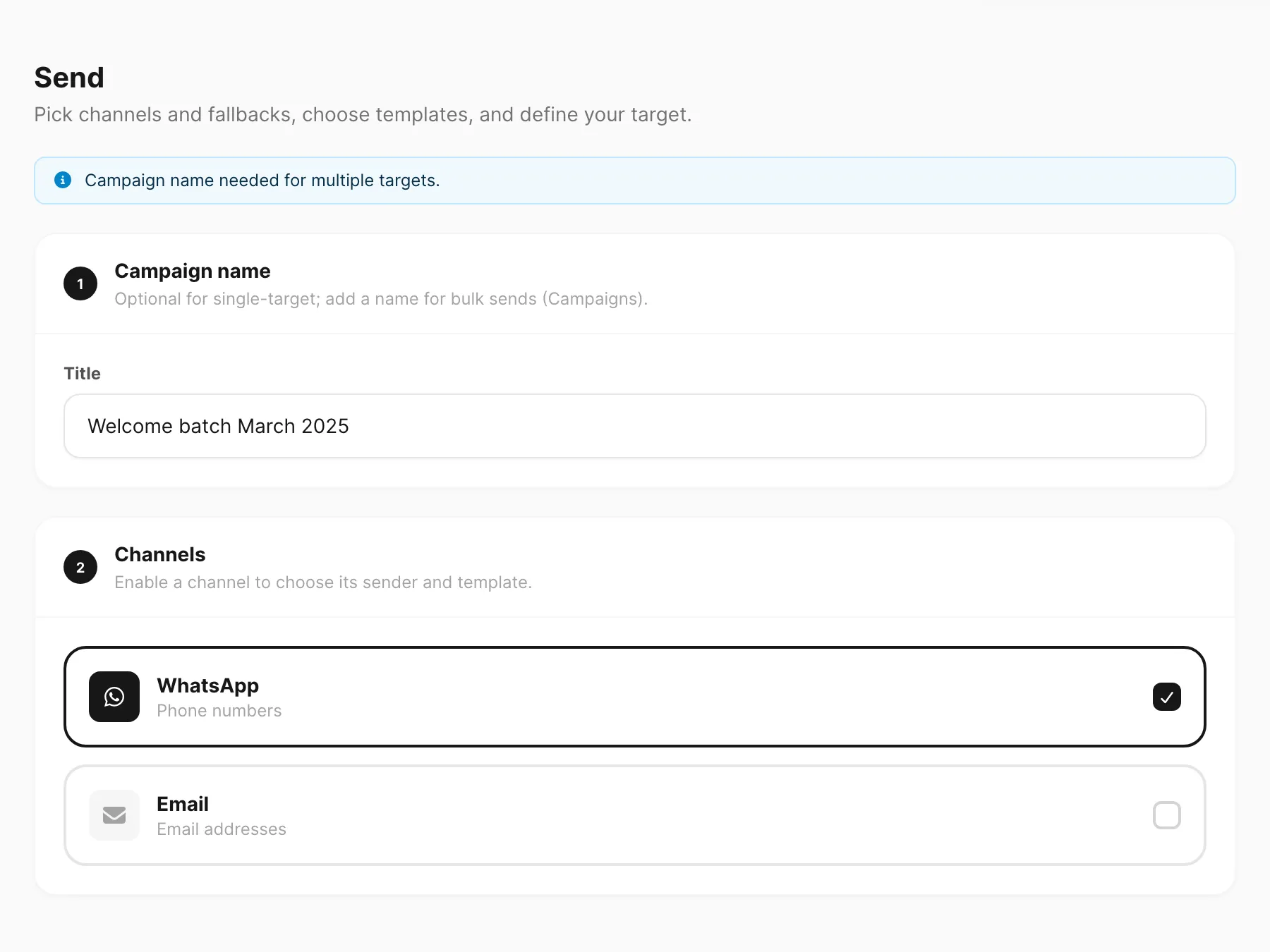
- Docs: Send messages
- Dashboard: Send
2. Templates
A template is a reusable message layout — text, media, buttons, or (for WABA/email) provider-approved / HTML structures. Create templates once, then pick them from Send, campaigns, schedules, and autoreply instead of retyping.
WABA templates also go through Meta approval; email templates are HTML blocks with variables. Chat channels (WhatsApp / Telegram) are more flexible for free-form layouts.
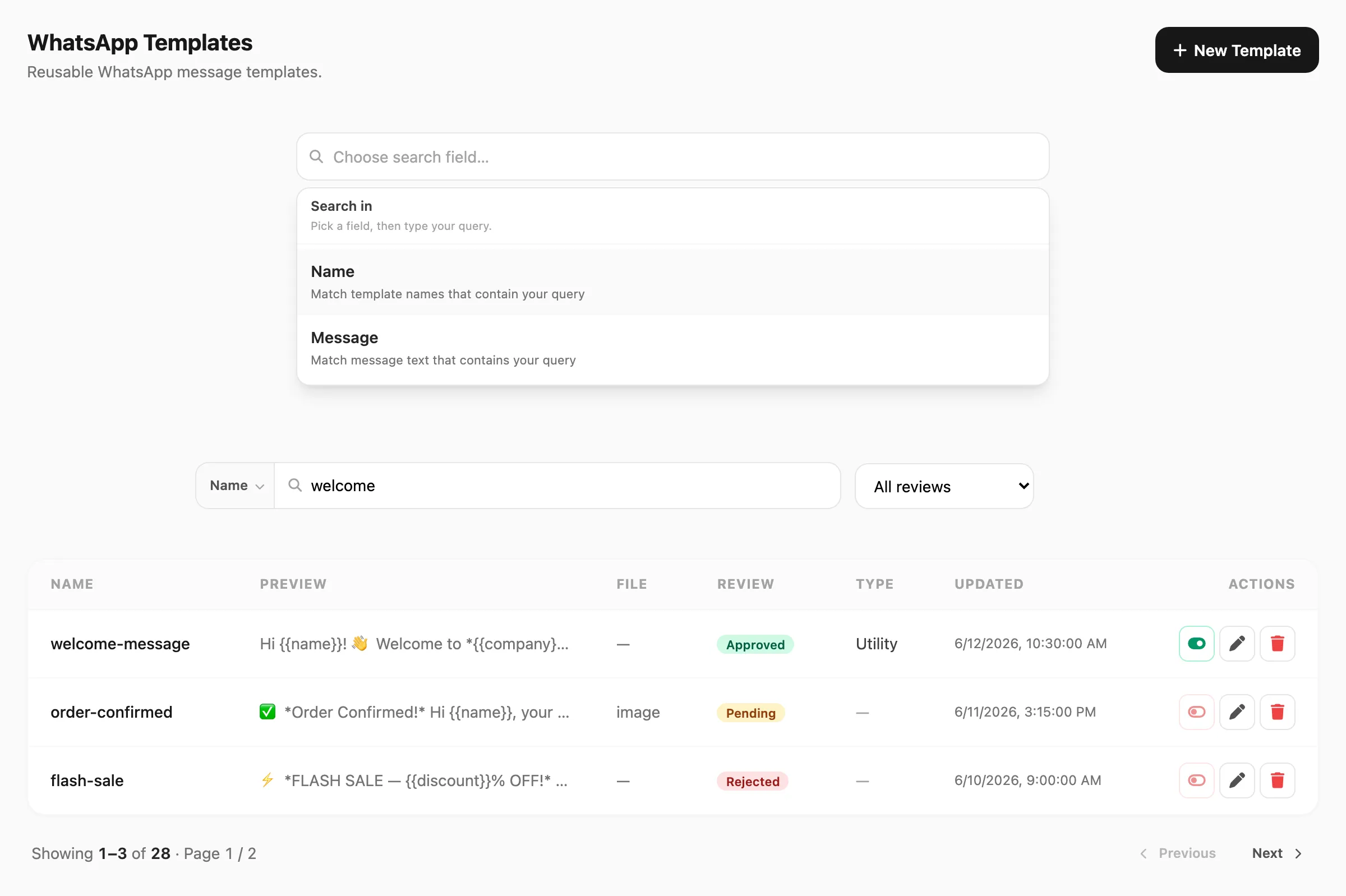
| Channel | Docs | Dashboard |
|---|---|---|
| Templates | Templates | |
| Telegram | Templates | Templates |
| WABA | Templates | Templates |
| Templates | Templates |
3. Autoreply
Keyword autoreply watches inbound text on selected devices. When a message matches a rule, Kirisan sends the configured response (text, media, template) without an agent. Start with a few clear keywords (“price”, “hours”, “help”) before you build multi-step Flow.
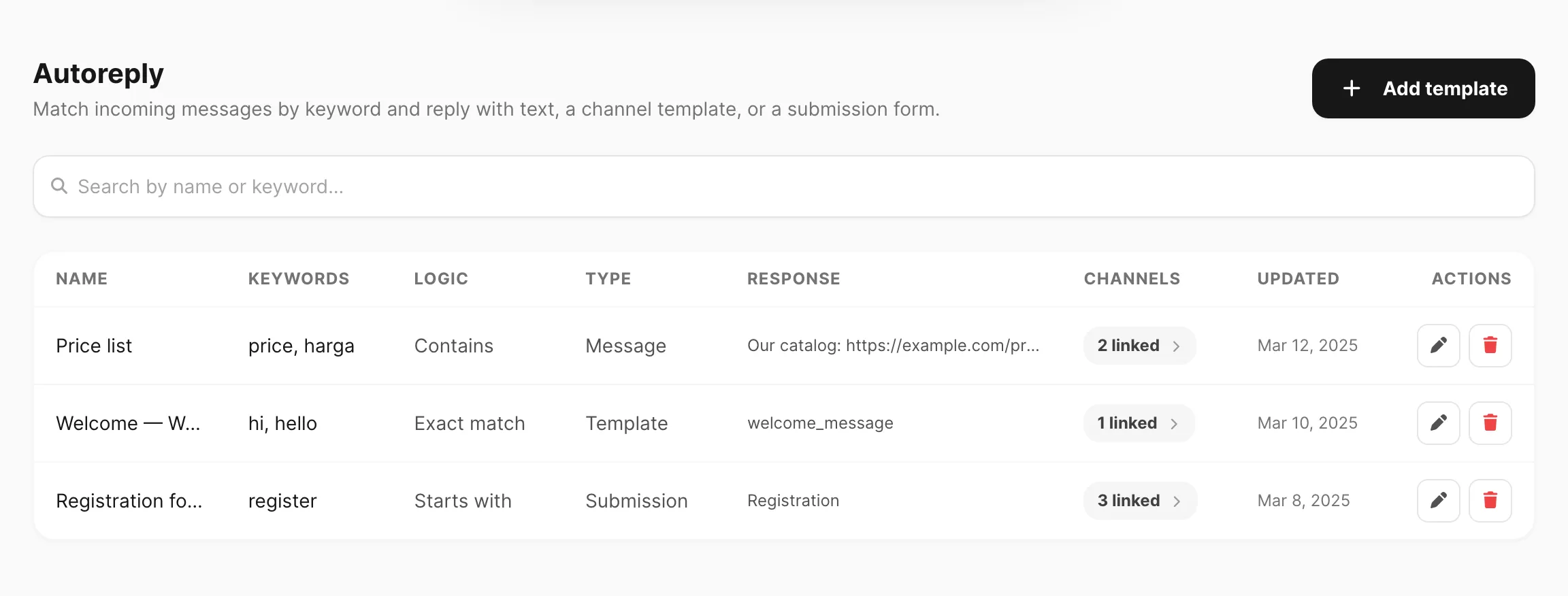
- Docs: Keyword rules
- Dashboard: Autoreply
4. Logs & inbox
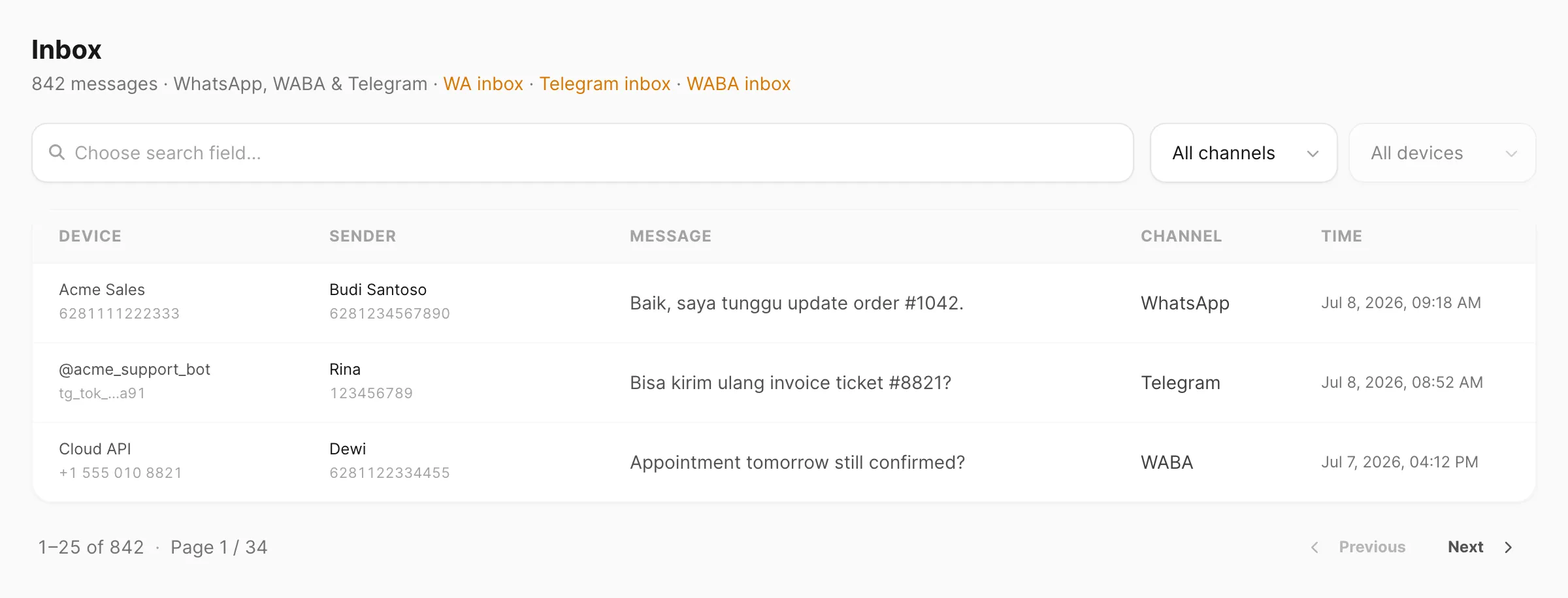
Logs prove outbound attempts (status, errors, which device). Inbox holds inbound conversations so you can read and reply from the dashboard. Check both after every test send or autoreply — if Send looks fine but the customer never got the message, the log reason is usually the answer.
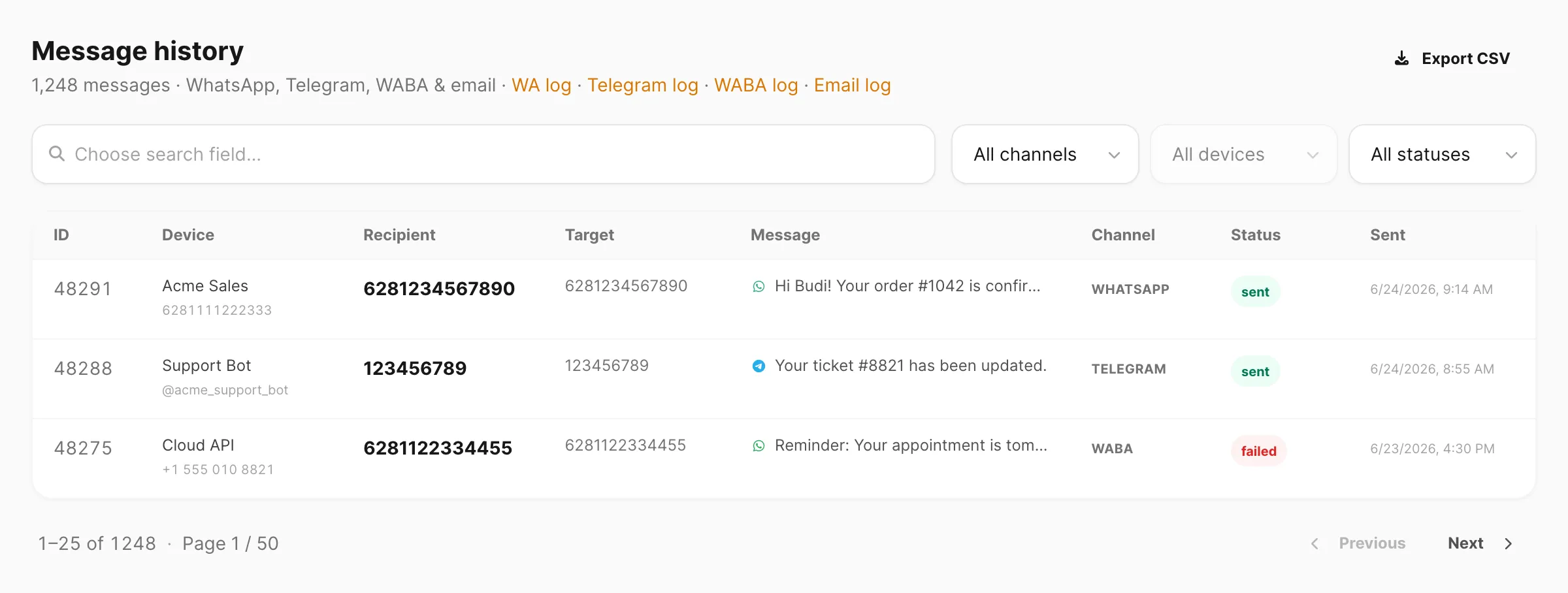
| Need | What it shows | Docs | Dashboard |
|---|---|---|---|
| Outbound history | Cross-channel sends | History | History |
| Cross-channel inbox | WhatsApp, Telegram, WABA together | Inbox | Inbox |
| Device log + chat inbox | Log · Inbox | Log · Inbox | |
| Telegram | Bot log + inbox | Log · Inbox | Log · Inbox |
| WABA | Cloud API log + inbox | Log · Inbox | Log · Inbox |
| Outbound log + mailbox | Log · Inbox | Log · Inbox |
Next
Level up: Power. Prefer code? Developer path.