Power
After Beginner, these features support real day-to-day operations: who you message, how you blast at scale, whether delivery looks healthy, how you collect structured answers, and where media lives.
1. Contacts & groups
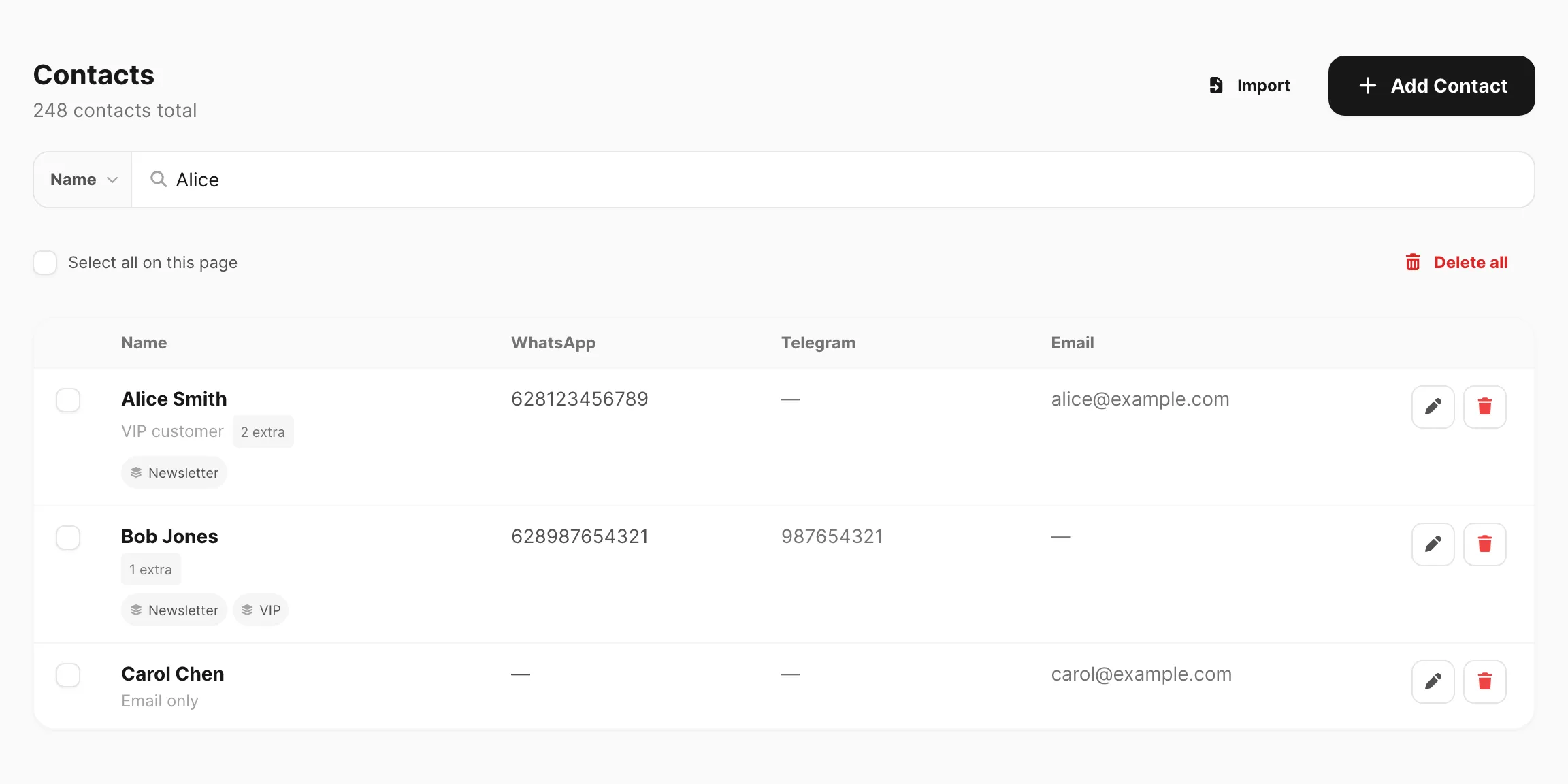
Contacts store people you message often (phone, Telegram id, email, custom fields). Groups are lists you target in Campaign and bulk tools so you are not pasting numbers every time. Many channels can also auto-add new inbound senders into a group from device settings.
- Docs: All contacts · Groups
- Dashboard: All contacts · Groups
2. Campaign, schedule & recurring
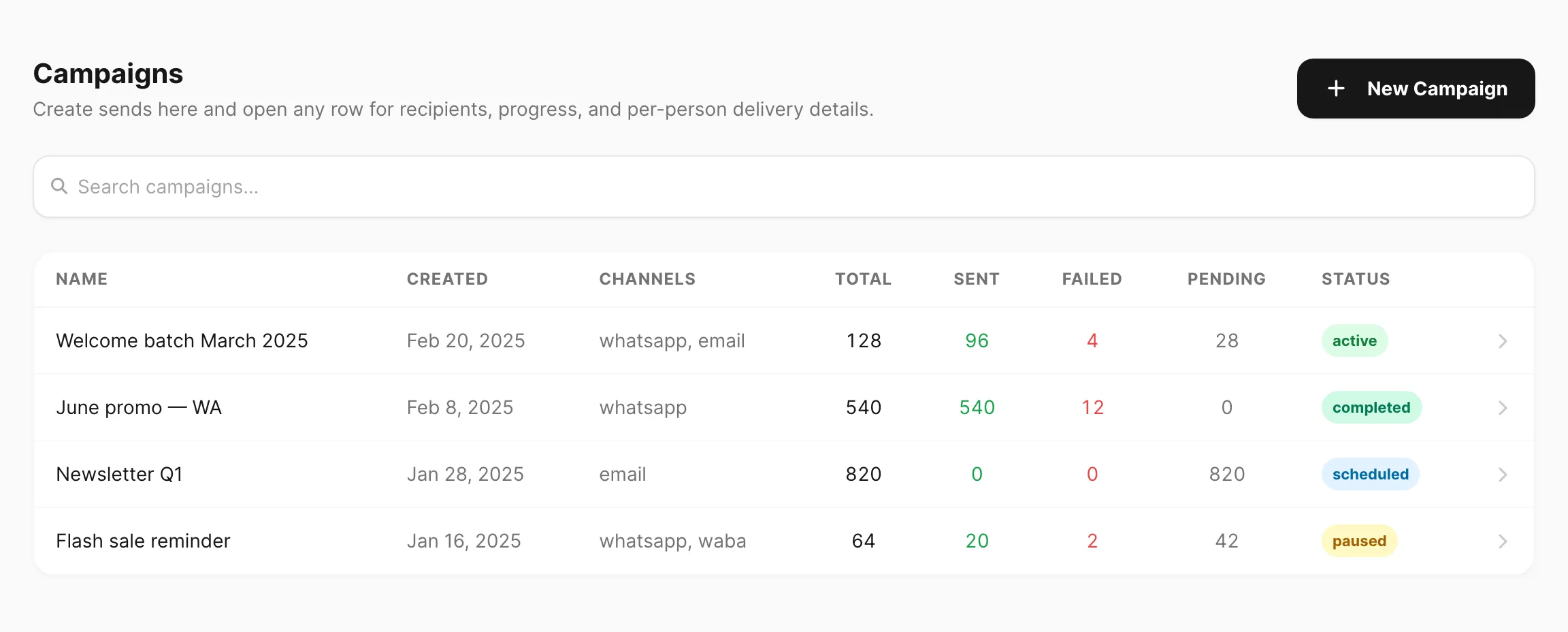
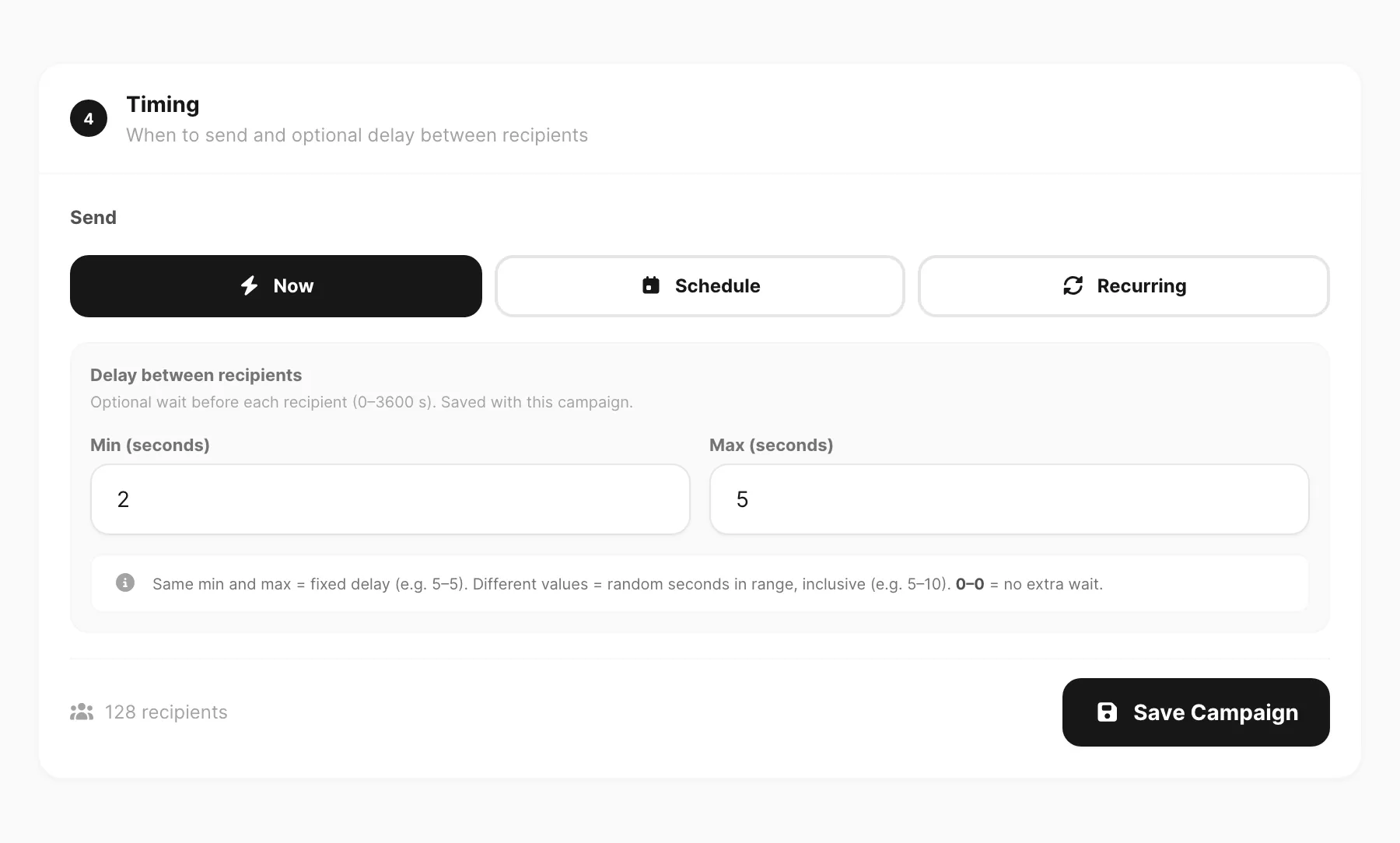
Campaign sends one message (or template) to many recipients from a group or upload. Schedule queues a send for a future time. Recurring repeats on a cadence when you need reminders or weekly blasts. All of these still consume the same device quota as a manual Send.
3. Statistics
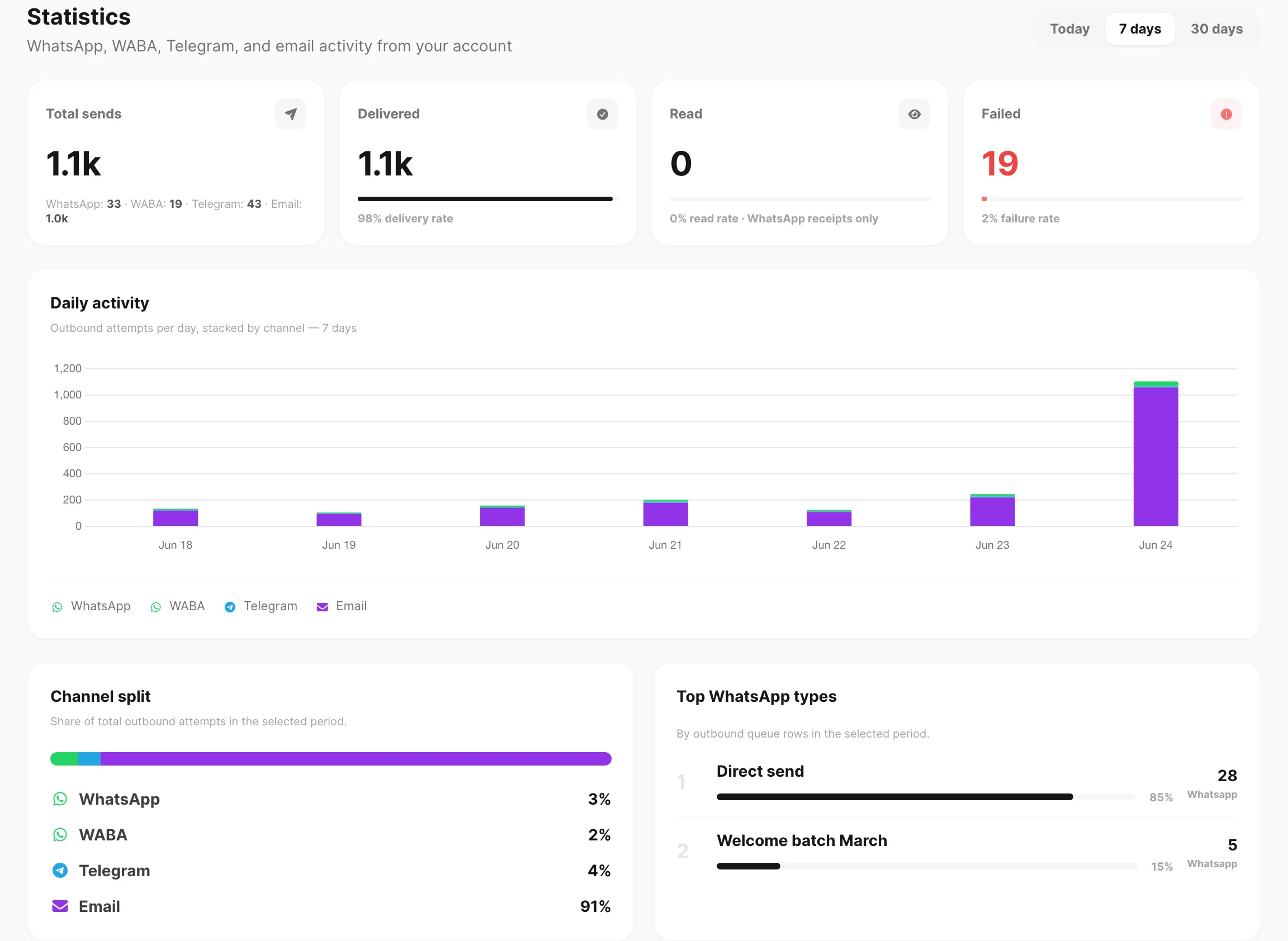
Statistics summarize volume and outcomes so you can spot drops in delivery, quiet days, or a channel that is failing more than others. Use account-level charts for the big picture, then open a channel’s stats page when you need detail.
- Docs: Logs → Statistics
- Dashboard: Statistics · WhatsApp · Telegram · WABA · Email
4. Submission & spreadsheet
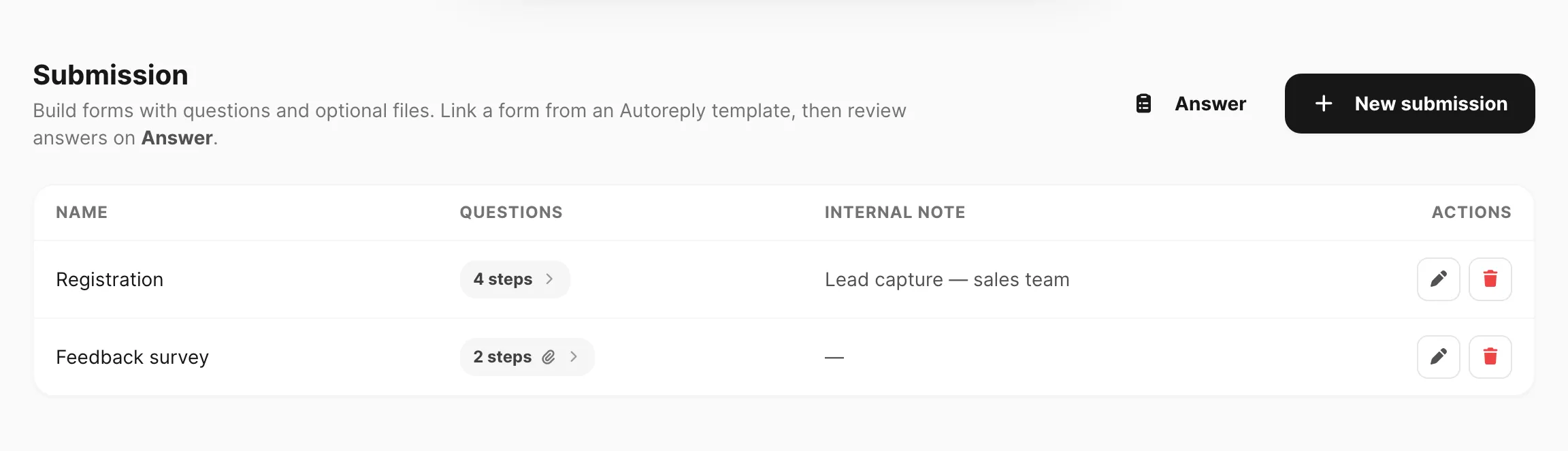
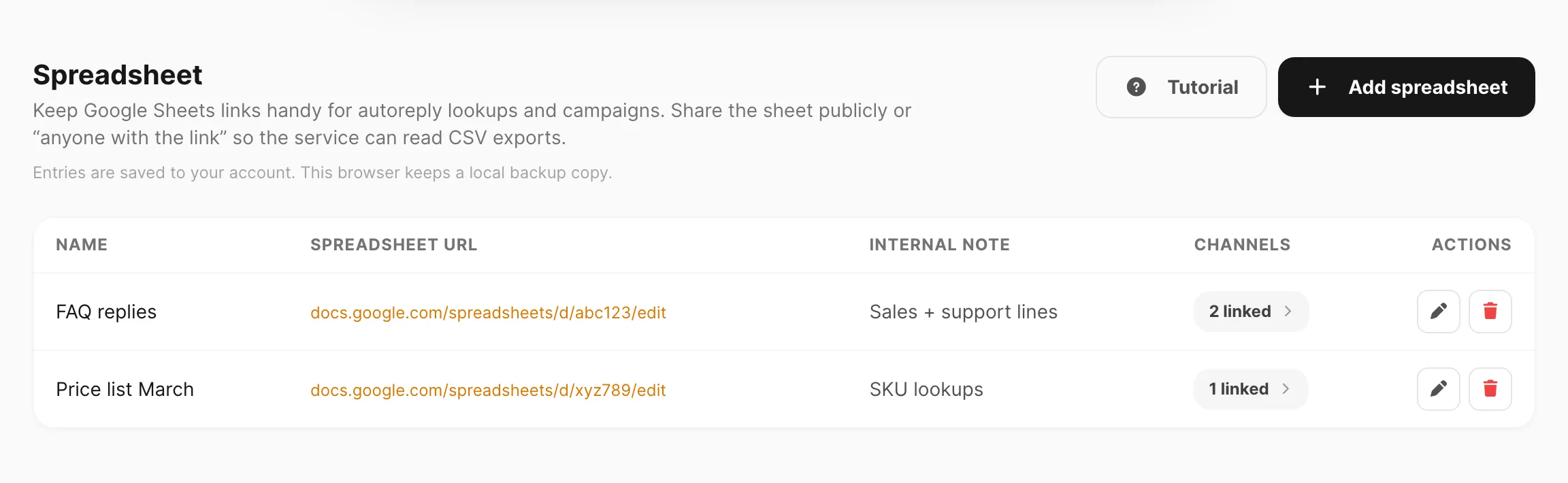
Submission is a multi-question chat form: Kirisan asks questions in sequence, stores answers, and can notify you when a session completes. Spreadsheet ties keyword (or related) responses to rows/columns so non-developers can update reply content without editing code.
- Docs: Submissions · Spreadsheet · Submission webhook
- Dashboard: Submission · Spreadsheet
5. Files
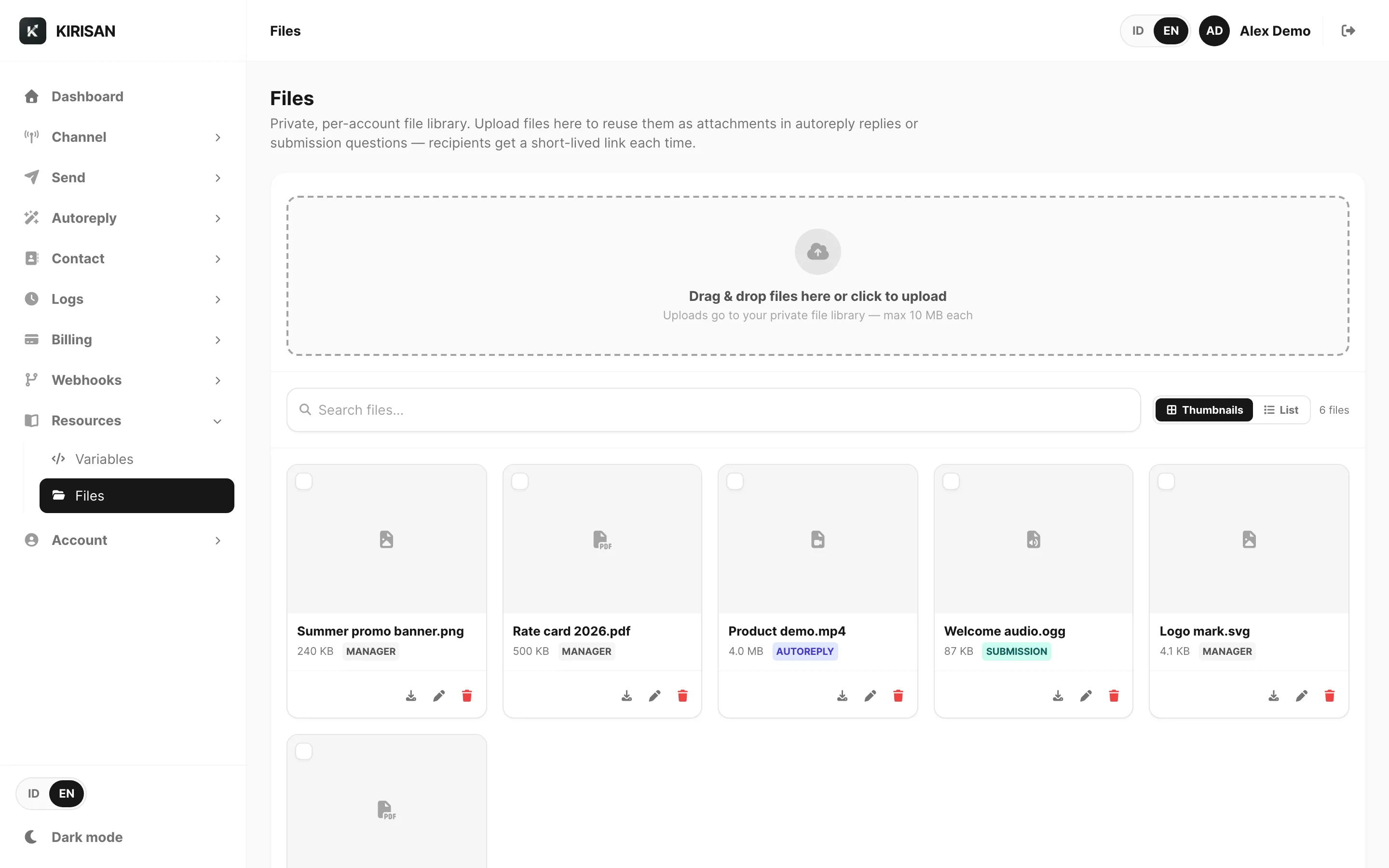
Files is your media library (images, documents, inbound attachments). Uploads and inbound saves count toward storage quota when storage is active. Origin badges show where a file came from (incoming, template, upload, …). Clean up orphans when inbox rows expire but you no longer need the file.
Next
Advanced automation: Super.