Super
For people who already know Beginner and Power. These topics are about flexible content and deeper automation — not day-one setup.
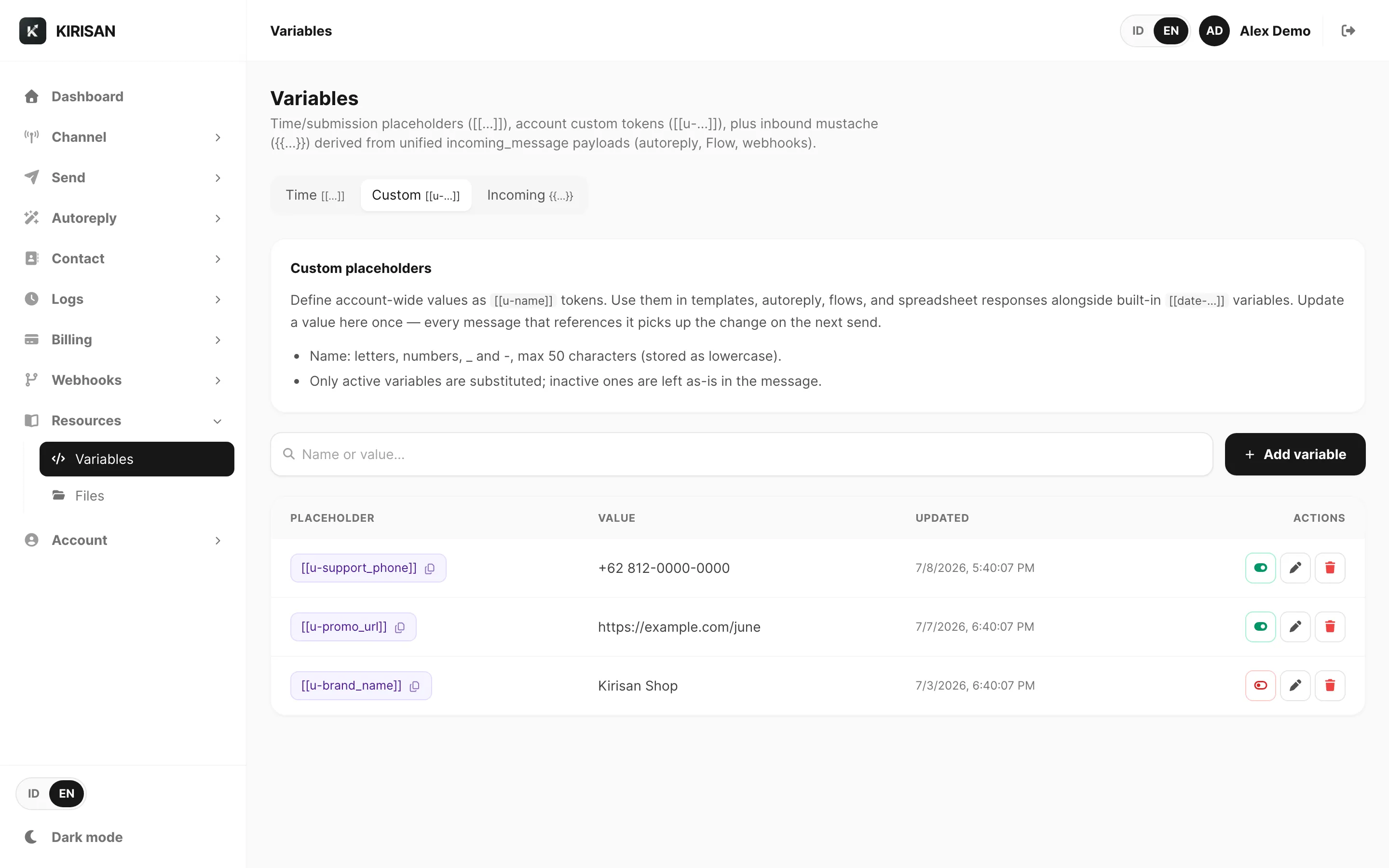
1. Variables
Variables are placeholders in messages ({{name}}, incoming fields, custom contact fields, and related forms). The same idea appears in Send, templates, autoreply, Flow, and API target.variables. Learning variables once unlocks personalization everywhere instead of hard-coding each message.
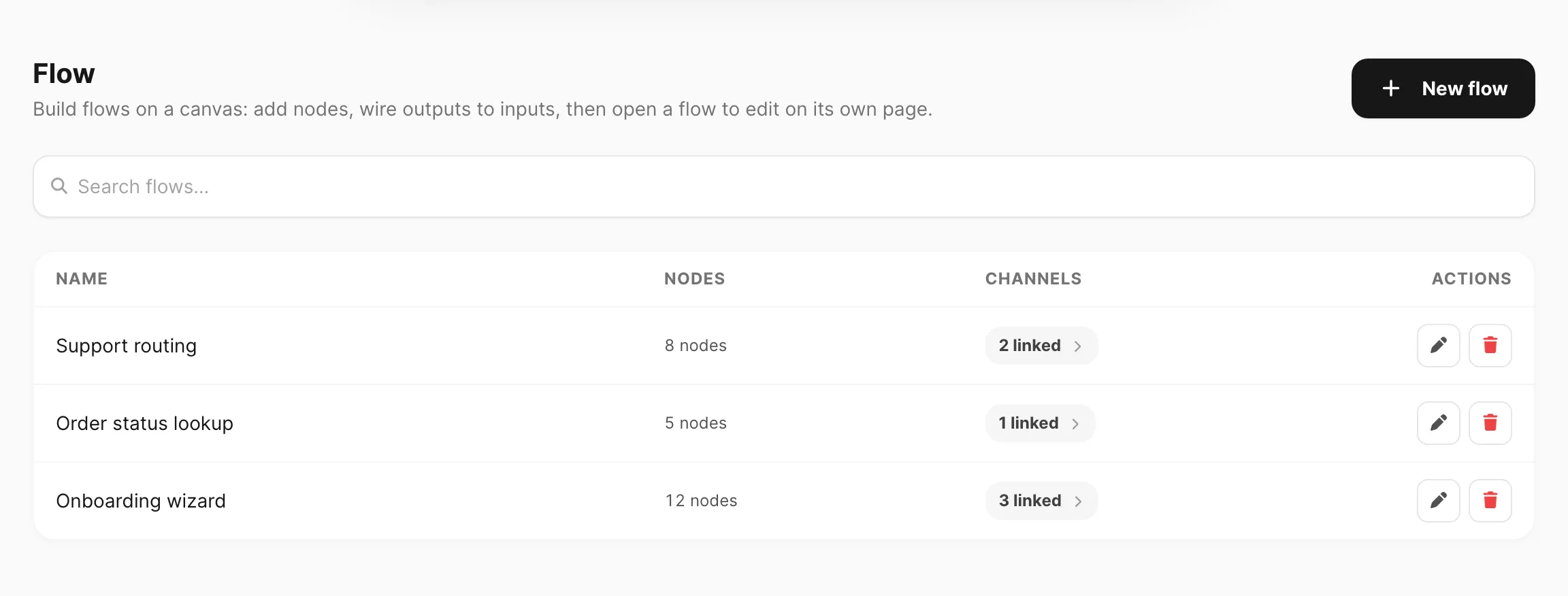
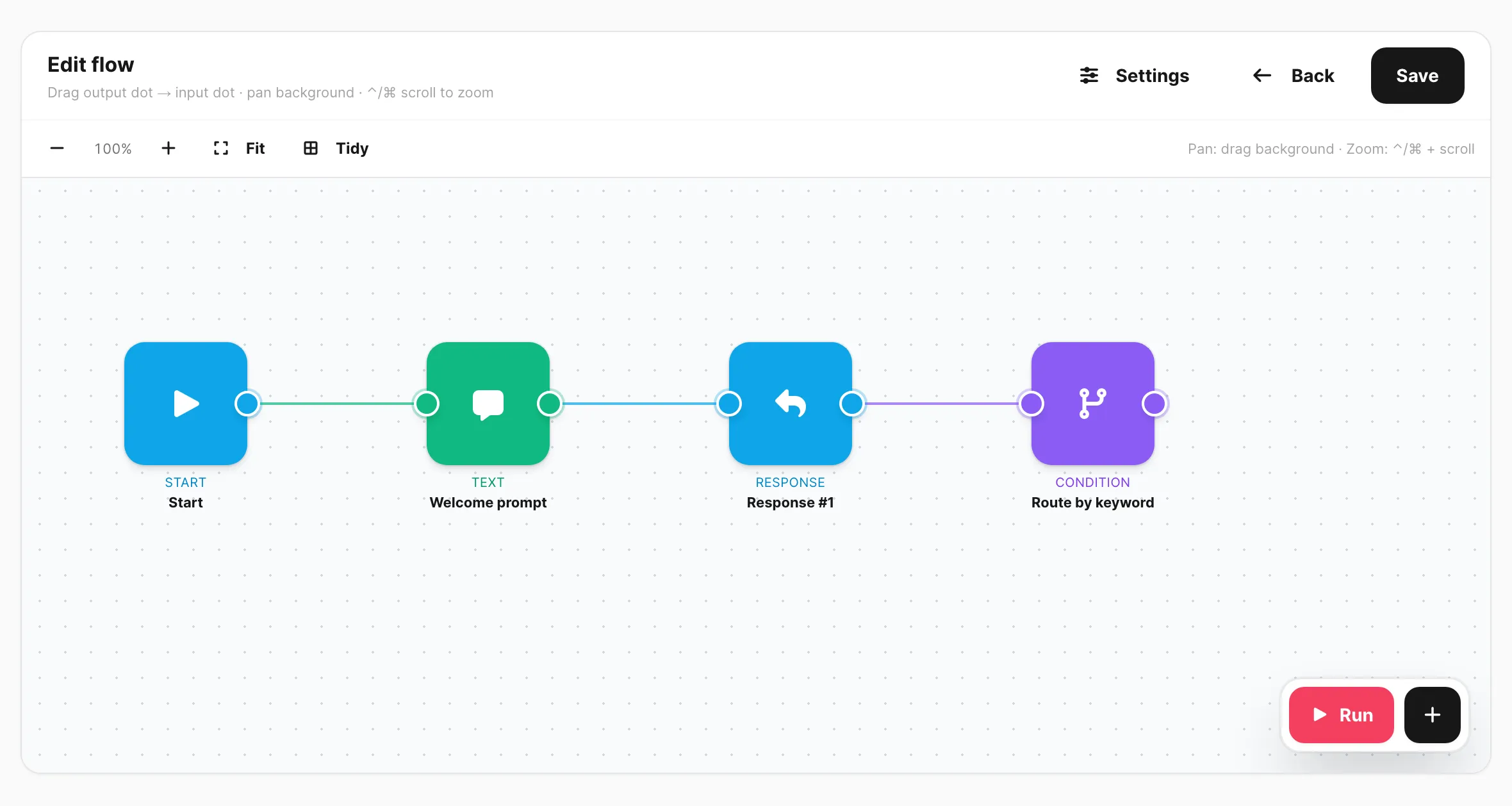
2. Flow
Flow is visual, multi-step automation beyond a single keyword reply: branches, delays, HTTP calls, device filters, and richer conversation paths. Use keyword rules for simple FAQs; move to Flow when the path depends on answers, time, or external systems.
3. Suppression (email)
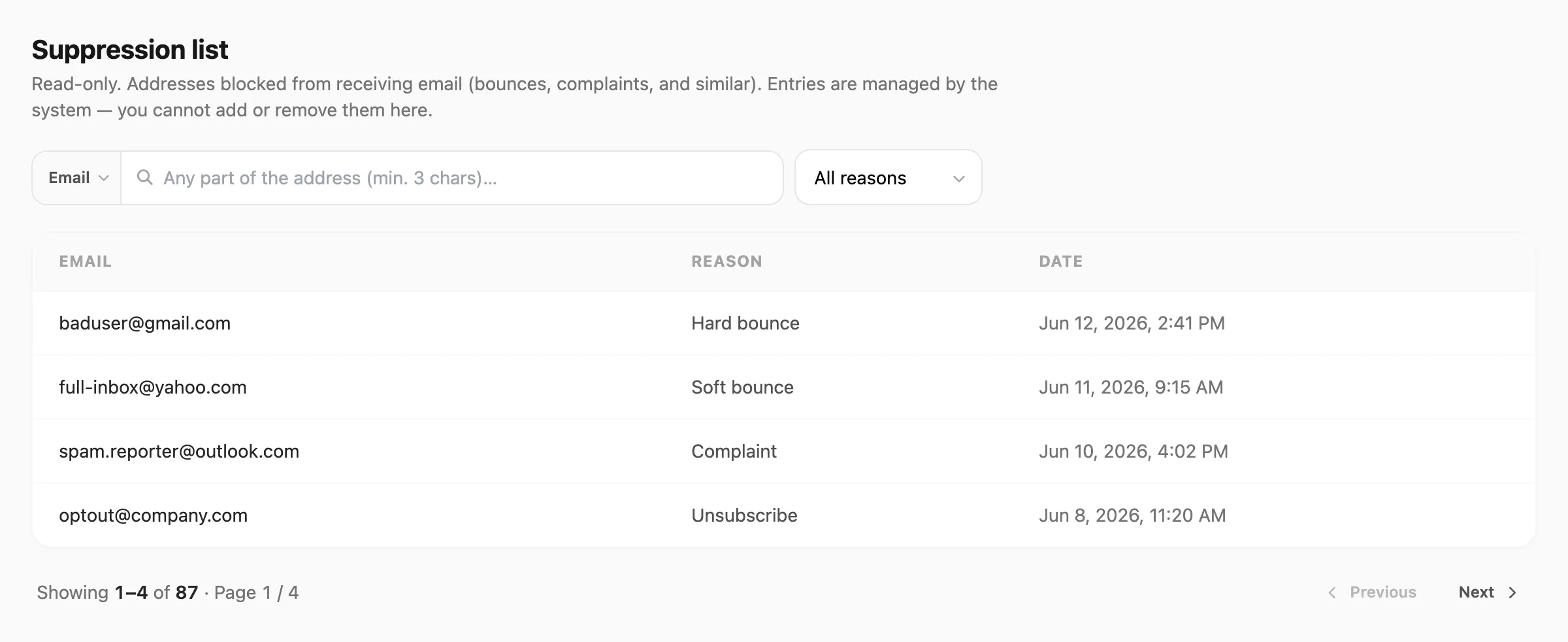
Suppression is the do-not-send list for email: bounces, complaints, and addresses you block manually. Sending to suppressed recipients hurts deliverability; Kirisan keeps them out of normal mailings. This is email-specific — chat channels use other block/spam tools in inbox.
- Docs: Suppression
- Dashboard: Suppression
4. Dynamic send
Dynamic send means recipients or message content are driven by data, not a single typed number and a fixed sentence. Examples: contact custom fields in a campaign, spreadsheet-backed replies, submission answers inserted into a follow-up, or API variables filled from your database.
Pattern: prepare data → map into variables / targets → deliver with Send, Campaign, or the Send API.
- Docs: Send messages · Spreadsheet · API playground
Next
- Need a public endpoint? Developer → Webhook
- Reference docs: Dashboard tour