What is a webhook
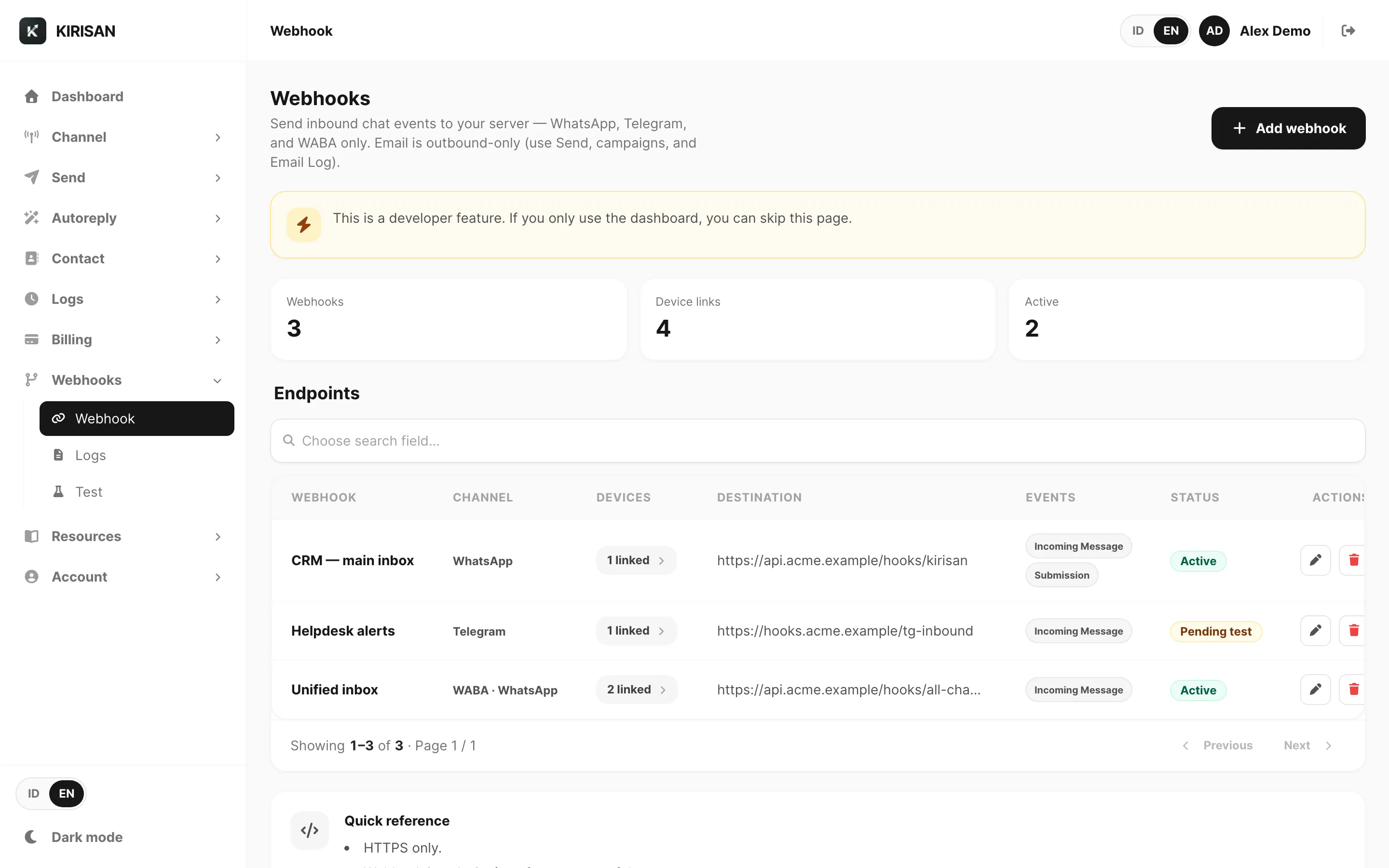
A webhook is the opposite direction of the API: instead of your server calling Kirisan to send, Kirisan calls your server when something happens — most often an incoming message on a linked device or email address.
You register an HTTPS URL in the dashboard. When an event fires, Kirisan POSTs a JSON body plus headers (event name, optional signature). Your app should respond with 2xx quickly, then process the payload asynchronously if work is heavy.
Typical jobs: sync chats into a CRM, run a custom bot, download inbound files from message.file.url, or trigger Zapier / Make / n8n (those tools give you the public URL).
Dashboard vs your server
| Dashboard inbox / autoreply | Your webhook | |
|---|---|---|
| Setup | No code | Public HTTPS endpoint |
| Logic | Keyword rules, Flow, UI reply | Anything your code can do |
| Delivery proof | Webhook logs in Kirisan | Your own application logs |
You can use both: Kirisan can still store inbox rows and run autoreply while also notifying your URL.
Next
Reference: Webhook overview · Dashboard webhooks · Webhooks