Public URL
2 min read
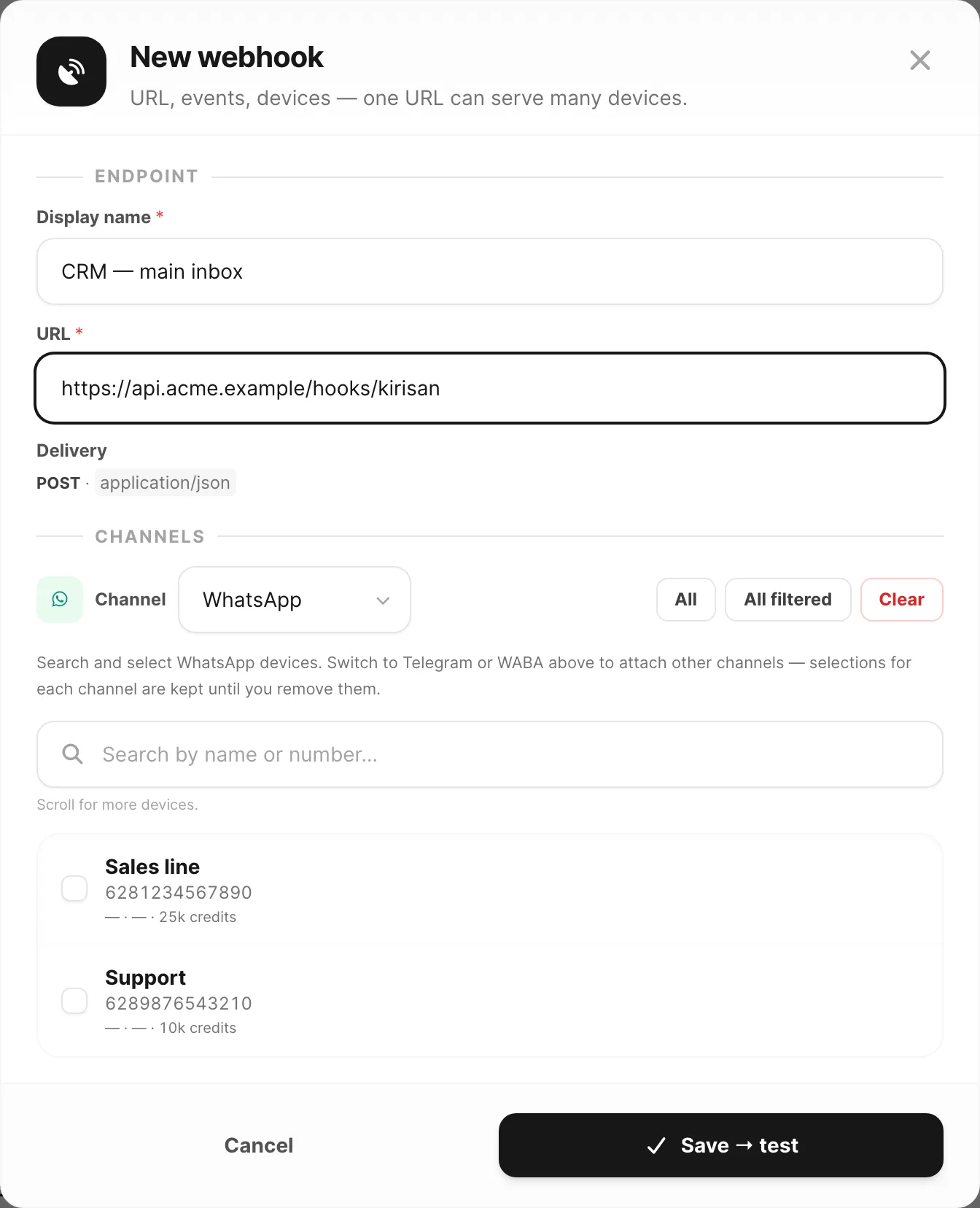
Kirisan’s servers must reach your URL on the public internet over HTTPS. A bare http://localhost:3000/... on your laptop is not visible to Kirisan, so deliveries will fail until you expose an endpoint.
What “good” looks like
- An HTTPS URL that accepts
POSTwith a JSON body. - A 2xx response so Kirisan marks the delivery successful (and stops retrying).
- Optional verification of the signing secret — see Verification.
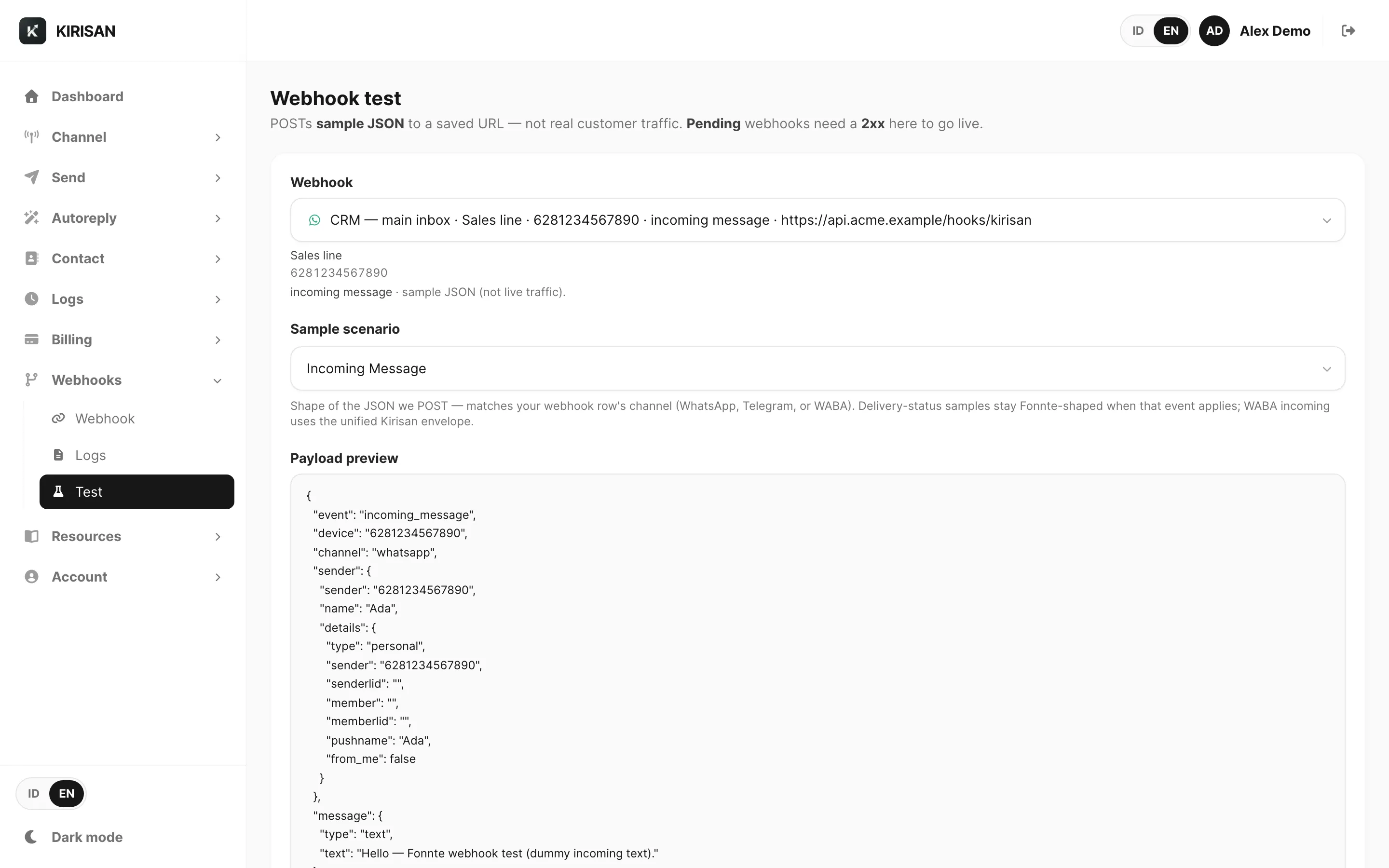
Configure URLs under Webhooks in the dashboard (device-linked listeners and/or account-level listeners, depending on the event). After saving, use Testing to fire a sample payload, then check Logs if something fails.
- Docs: Dashboard webhooks · Testing · Webhook logs
- Dashboard: Webhooks
Local development
Use a tunnel (ngrok, Cloudflare Tunnel, and similar) that gives you a public HTTPS URL pointing at your local port. Point Kirisan at the tunnel URL while you develop; switch to your production host when you deploy.
You can still learn payload shapes without a URL using the Webhook playground on the next pages.
Common failures
- HTTP instead of HTTPS
- Firewall, basic-auth, or bot challenge blocking Kirisan’s POST
- Handler too slow or returning 5xx (Kirisan may retry)