Choose your path
2 min read
Finish Start here first. Both paths share the same workspace: same devices, same plans, same Files library. The difference is how you drive Kirisan — the dashboard UI, or your code.
You can switch later. Many teams use both (operators on Send / Inbox, engineers on API / webhooks).
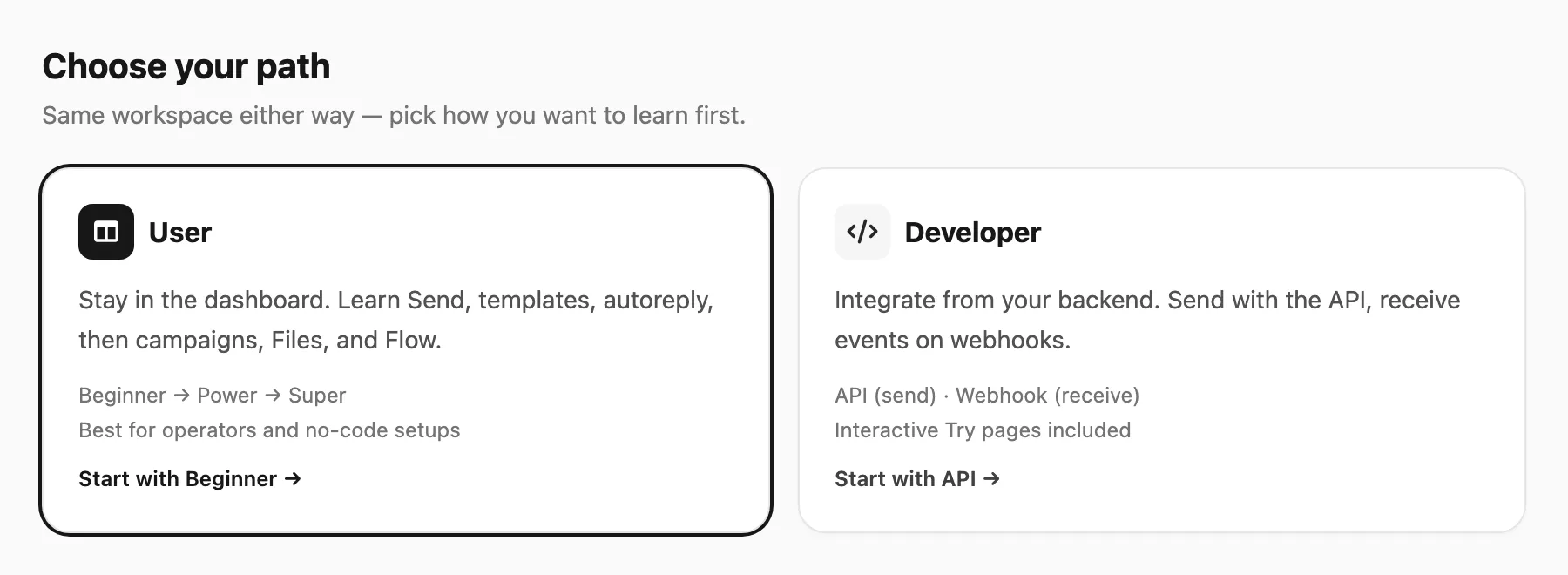
User
Stay in the dashboard. Levels add features in the order most people need them.
| Level | What you learn | Start |
|---|---|---|
| Beginner | One-off send, reusable templates, keyword autoreply, proving delivery in logs/inbox | Beginner |
| Power | Contact lists, campaigns & schedules, stats, form submissions, Files | Power |
| Super | Flow automation, variables, email suppression, data-driven (“dynamic”) sends | Super |
Developer
Build against Kirisan from your own backend or automation tools.
| Track | What it is for | Start |
|---|---|---|
| API | Your server sends messages and email (POST /v1/send) | What is the API |
| Webhook | Kirisan pushes inbound events to your HTTPS URL | What is a webhook |
Think of API as “outgoing from your app” and webhook as “incoming into your app.” Each track ends with an interactive Playground page so you can inspect samples before wiring production keys.
Bridges
- Users who outgrow the UI can jump to Developer → Webhook or API without redoing Start here.
- Developers still share plan limits — Plans and quota apply to API sends and inbound file storage the same way as the dashboard.