What is the API
2 min read
The API is how your server asks Kirisan to send — WhatsApp, Telegram, WABA, or email — without clicking Send in the dashboard for every message.
You send an HTTPS request to Kirisan with your account token and a JSON body that names the device (channel key), the recipient, and the content (template or inline message). Kirisan delivers through the connected channel and records the attempt in your logs, just like a dashboard send.
- Base URL:
https://api.kirisan.com - Main endpoint:
POST /v1/send(one recipient per request) - Auth: account API token (
Authorization: Bearer …) plus channel keys in the JSON body
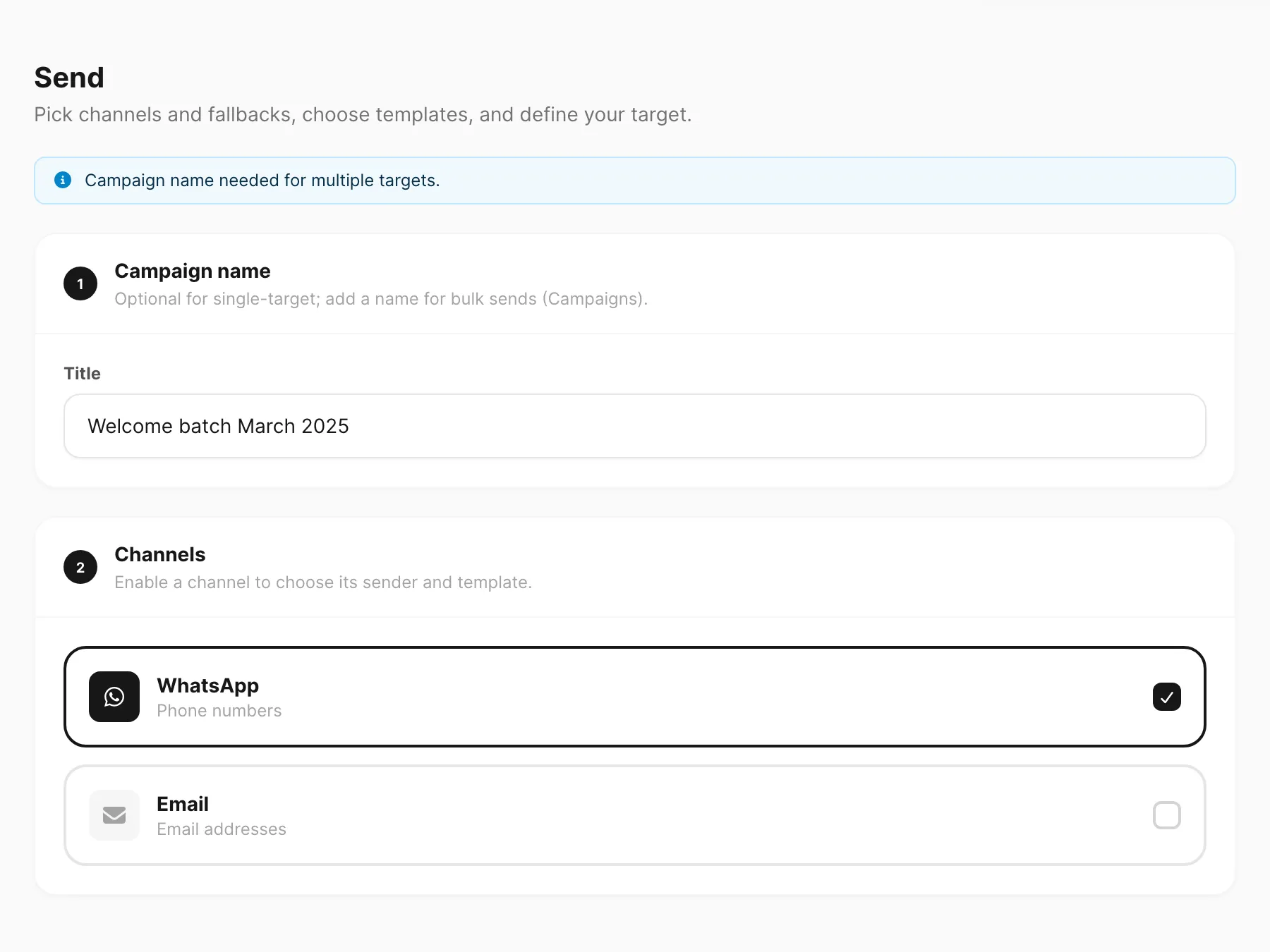
The dashboard Send screen builds the same kind of request under the hood. Learning the API means you can automate what you already do by hand — order updates, OTPs, CRM triggers, and custom batching.
When to use it
- Transactional messages from your app (orders, alerts, password resets)
- Custom loops over recipients outside Campaign UI
- Multi-channel send with fallbacks decided in your code
When to use the dashboard instead
- One-off tests and marketing-style campaigns with a contact picker
- Building templates visually before you reference them by ID
- Roles that should never hold long-lived API tokens
Next
Full reference: API overview · Send.