Send features
2 min read
POST /v1/send delivers one recipient per call. That keeps retries and error handling simple: if you have one thousand customers, your app (or a Campaign) issues one thousand sends. Kirisan still applies the same plan quota and channel rules as the dashboard.
Building blocks
| Piece | Role |
|---|---|
keys | Which device / bot / sender may send |
content | Template ID or inline message per channel |
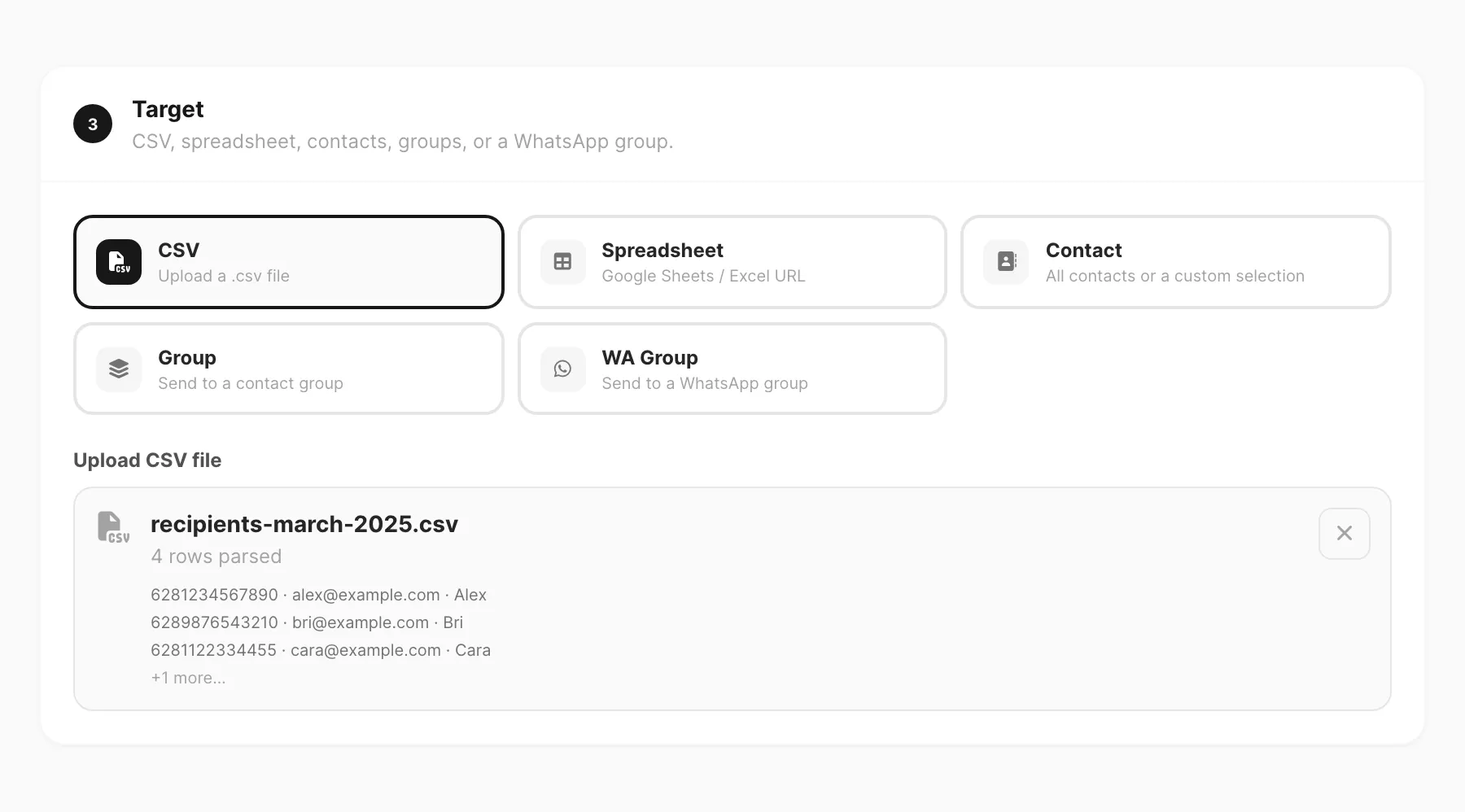
target | Recipient address plus optional variables |
context | Optional scheduling / behaviour flags |
Important rules
- Email always uses a saved template — there is no inline HTML body on
/v1/send. - WABA free-form text, media, and reply buttons (or list) only work inside Meta’s customer-care window — no template needed while that window is open. Outside it, use an approved template. Quick reply / URL / call buttons exist only on Meta templates.
- Variables such as
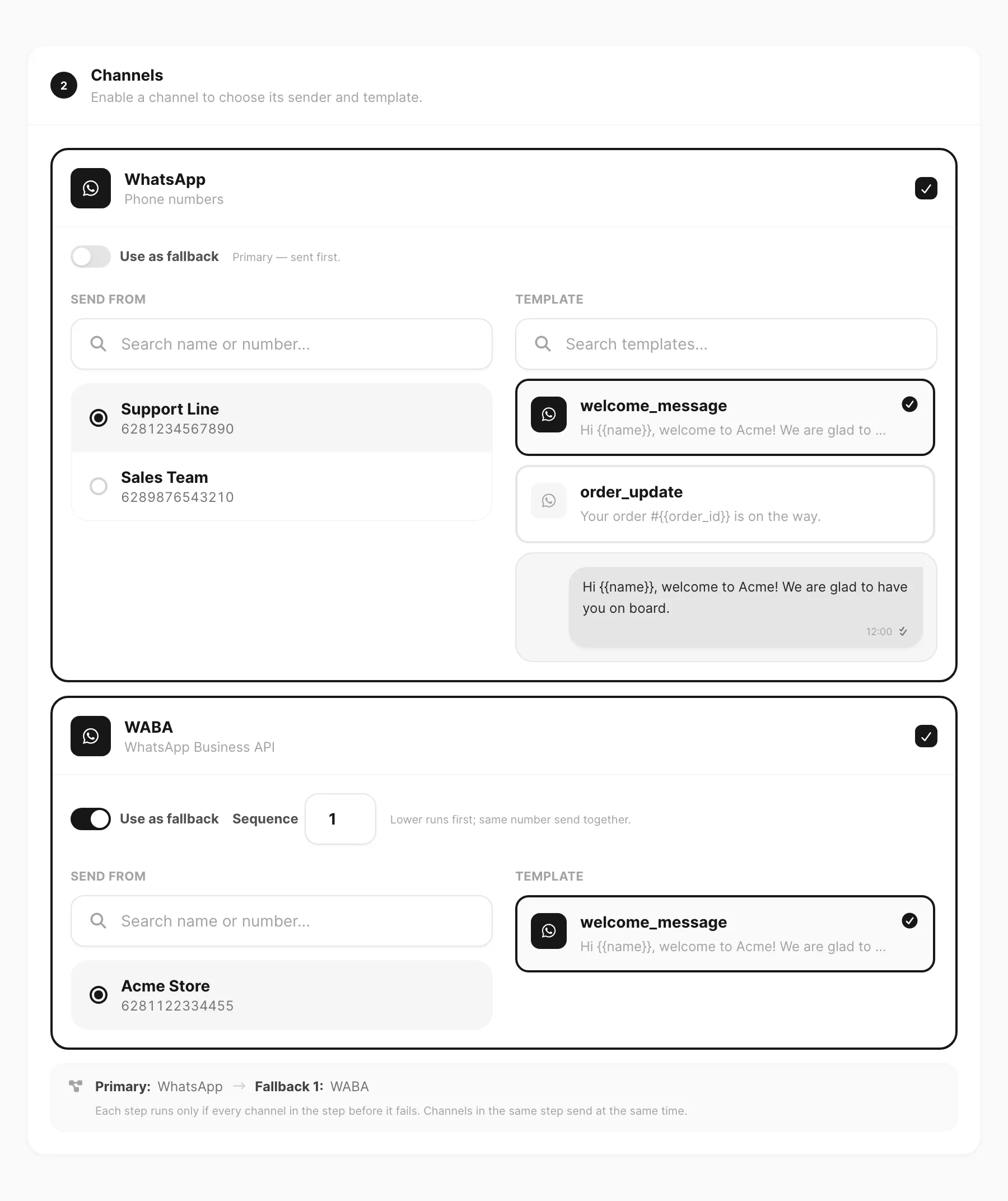
{{name}}in the message are filled fromtarget.variables(same idea as the Send form). - Fallbacks let a second channel try if the first fails — useful when WhatsApp is down but Telegram or email can still reach the user.
- Attachments and storage still follow Plans and quota; a denied plan strips or rejects media the same way as the UI.
Learn more
- Send API — full field reference and examples
- Templates API — list / resolve templates by ID
- Errors — status codes and reason strings
- Dashboard twin: Send messages · Send
Next
Practice with editable samples: API playground.