Payload & reply
Webhook data
The main chat and email event is incoming_message. Kirisan labels it in the header:
X-Kirisan-Event: incoming_messageWhatsApp, Telegram, WABA, and email share one envelope so your parser can stay mostly the same:
| Field | Meaning |
|---|---|
event | Always incoming_message |
device | Device token or email address that received the message |
channel | whatsapp, telegram, waba, or email |
sender | Who wrote in — reply target lives in sender.sender |
message | Type, text, optional file / location / buttons |
metadata | Channel-specific extras (subject, group flags, …) |
timestamp | Unix seconds |
production | false for dashboard test deliveries |
When inbound media is saved to Files (plan + storage allowing), message.file includes a short-lived download url and a Kirisan file_id. Full shapes: Incoming message.
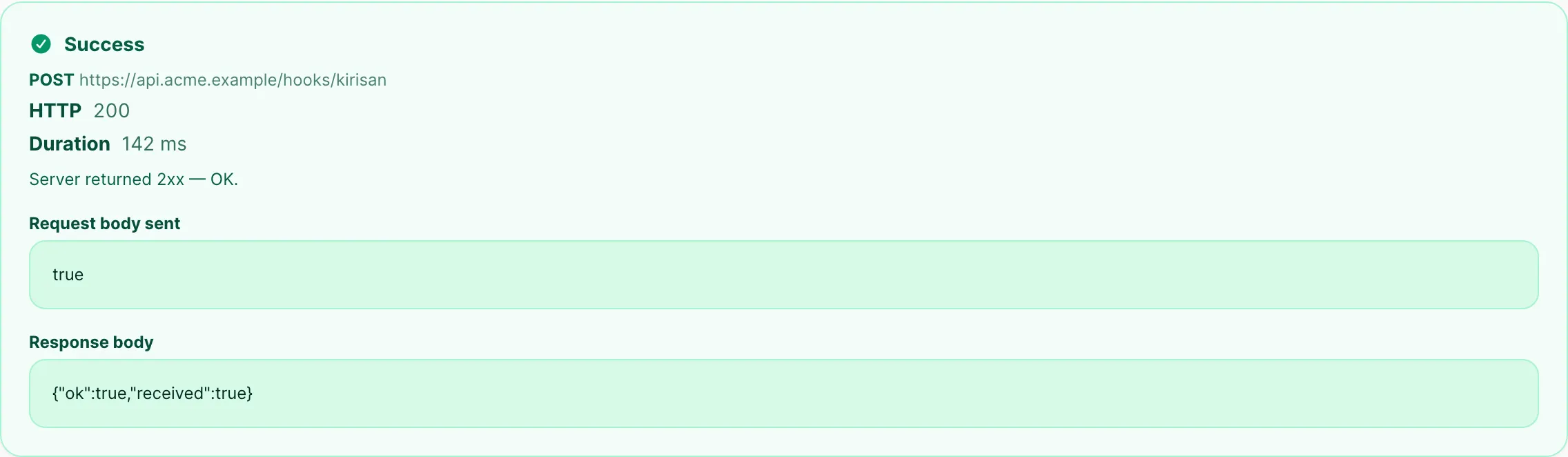
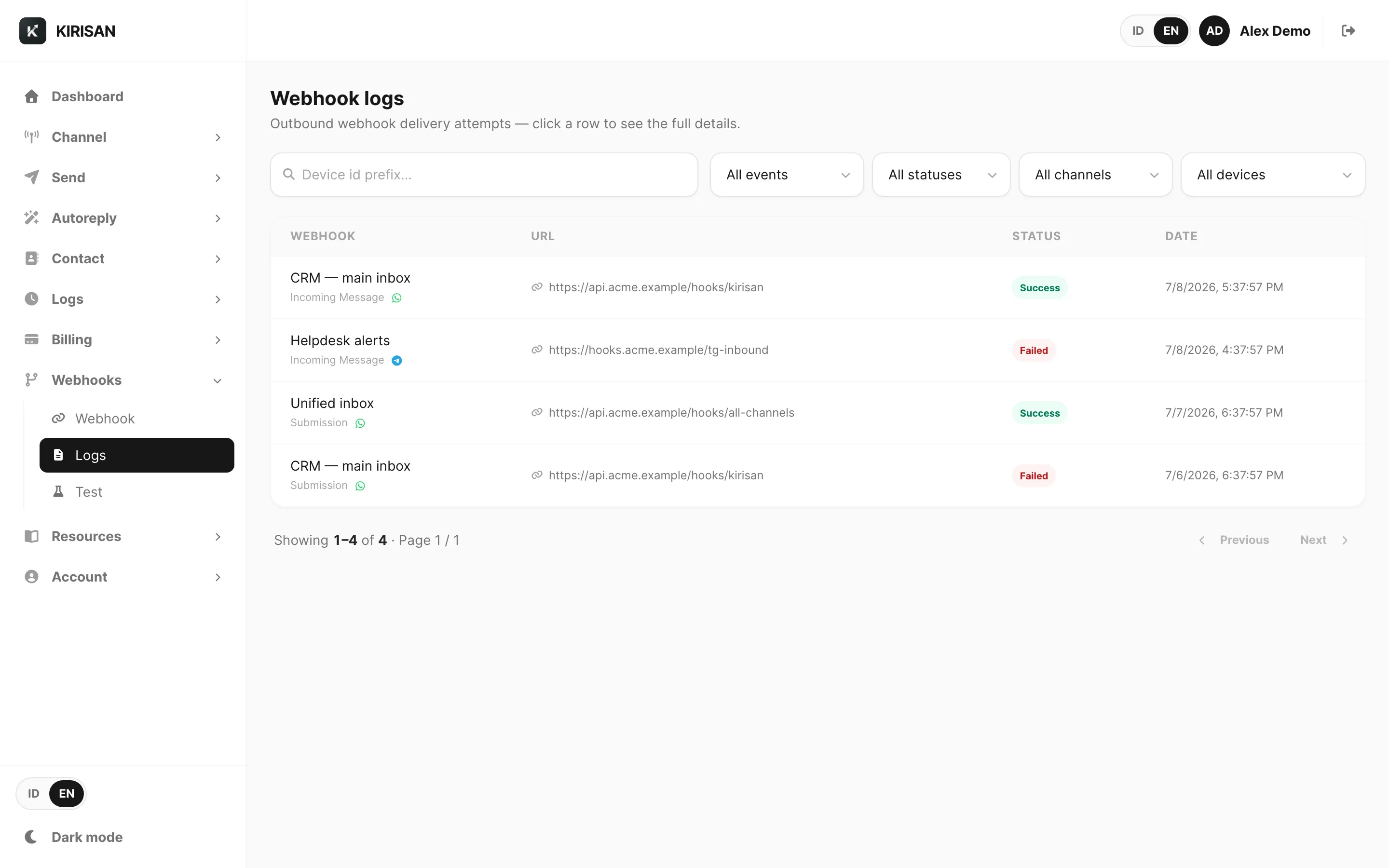
Other events (send status, submission completion, …) are listed under Webhook.
What you can do with the data
- Route automation by
channelandmessage.type - Persist
sender/message.textin your CRM - Download attachments from
message.file.urlpromptly (presigned URLs expire) - Run logic that dashboard Flow cannot express
Reply concept
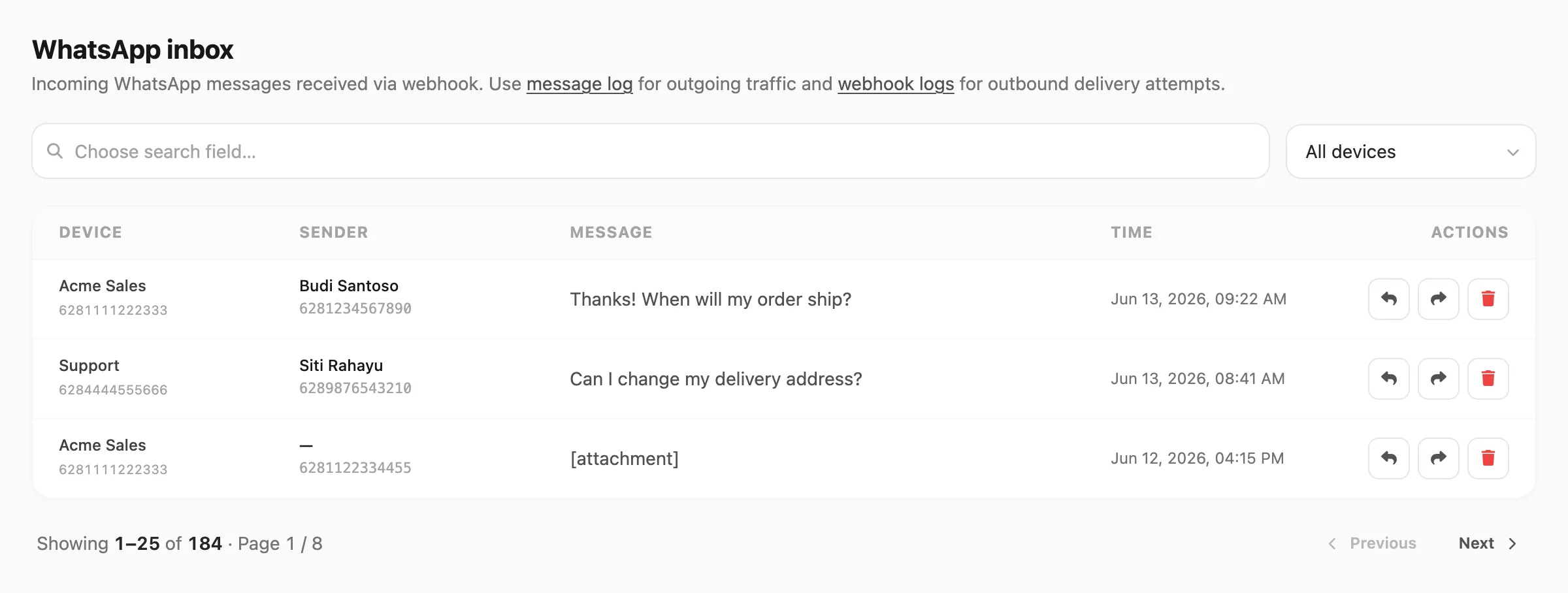
A webhook tells you that someone wrote in — it does not send the reply by itself. To answer, you send an outbound message back to sender.sender (phone, Telegram chat id, or email address) using:
- API: Send with the matching channel key, or
- Dashboard: reply / forward in that channel’s inbox
Autoreply and Flow can also reply without your webhook. Use webhooks when your system must own the decision.
Next
Explore samples: Webhook playground.