Multics settings
2 min read
Open Multics → Settings (account owner / multics.settings).
Session timers
Timers use minute presets (3, 5, 10, 15, 30) or a custom length. Session timers can also be disabled.
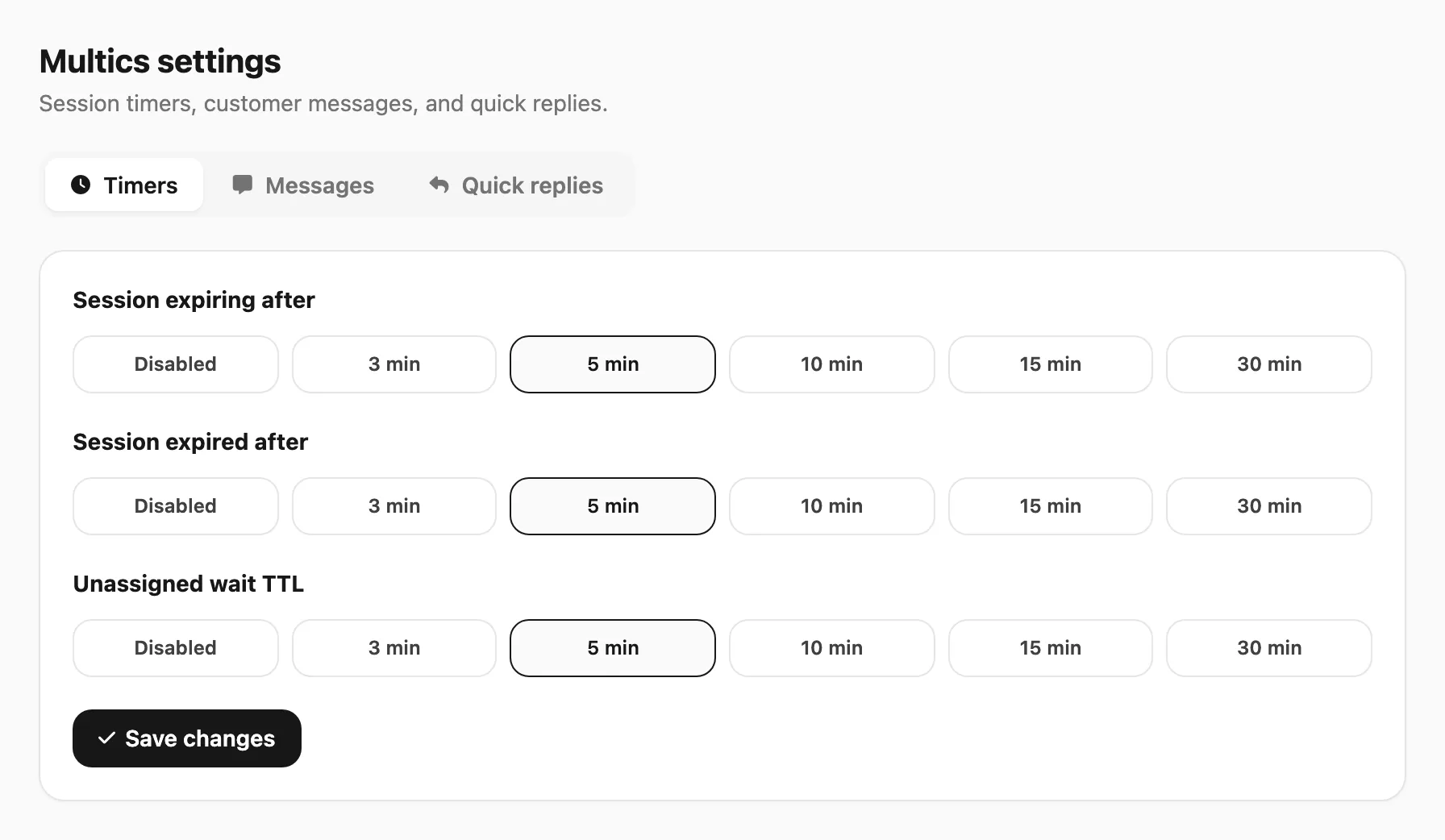 Sample data shown.
Idle is measured from the latest customer inbound or agent activity. When both session timers are set, they are chained (not parallel):
Example — both 5 minutes, last message at 1:00:
- 6:00 — send session expiring warning
- Still no reply → 11:00 — close chat and send session expired
| Timer | Effect |
|---|---|
| Session expiring | After idle, send the expiring message once (starts the expired countdown) |
| Session expired | After the warning (or after idle if expiring is off), close the chat and send the expired message |
| Unassigned wait TTL | How long a chat may stay unassigned before the timeout message is sent once (Disabled = off) |
Customer messages
Optional texts sent through the normal send path. Placeholders use mustache syntax:
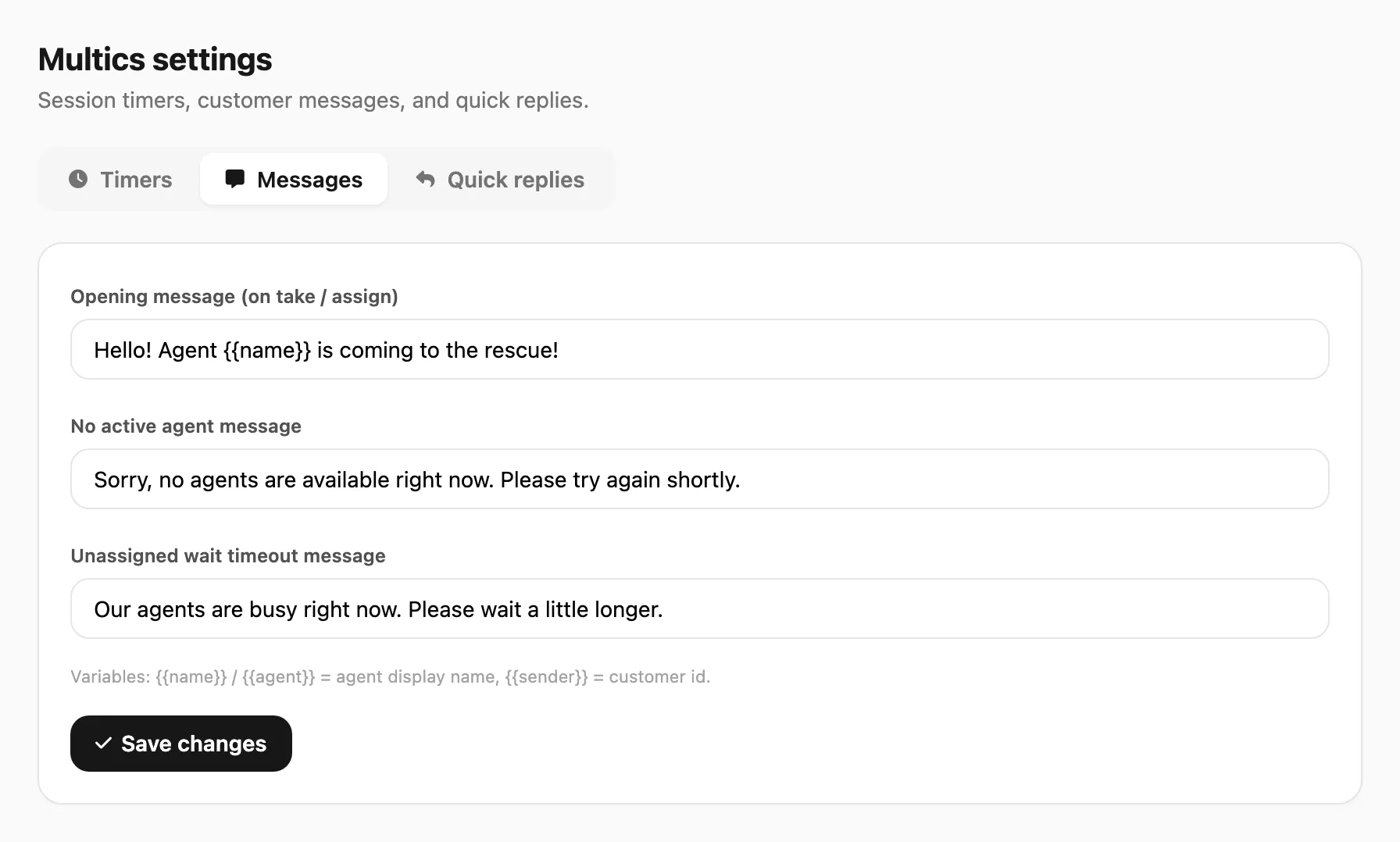 Sample data shown.
| Variable | Meaning |
|---|---|
{{name}} / {{agent}} | Agent display name (assignee / opener) |
{{sender}} | Customer id (phone / chat id) |
Example opening: Hello! Agent {{name}} is coming to the rescue!
- Opening — once per open cycle after Take / Assign
- Session expiring / expired
- No active agent — when nobody is logged in (on duty) in Multics
- Unassigned wait timeout — when a chat stays unassigned longer than the wait TTL (e.g. agents are busy; please wait a little longer)
Quick replies
Owner-managed templates (optional attachment). In the Multics inbox, agents can insert them with / (searchable) or the bookmark control.
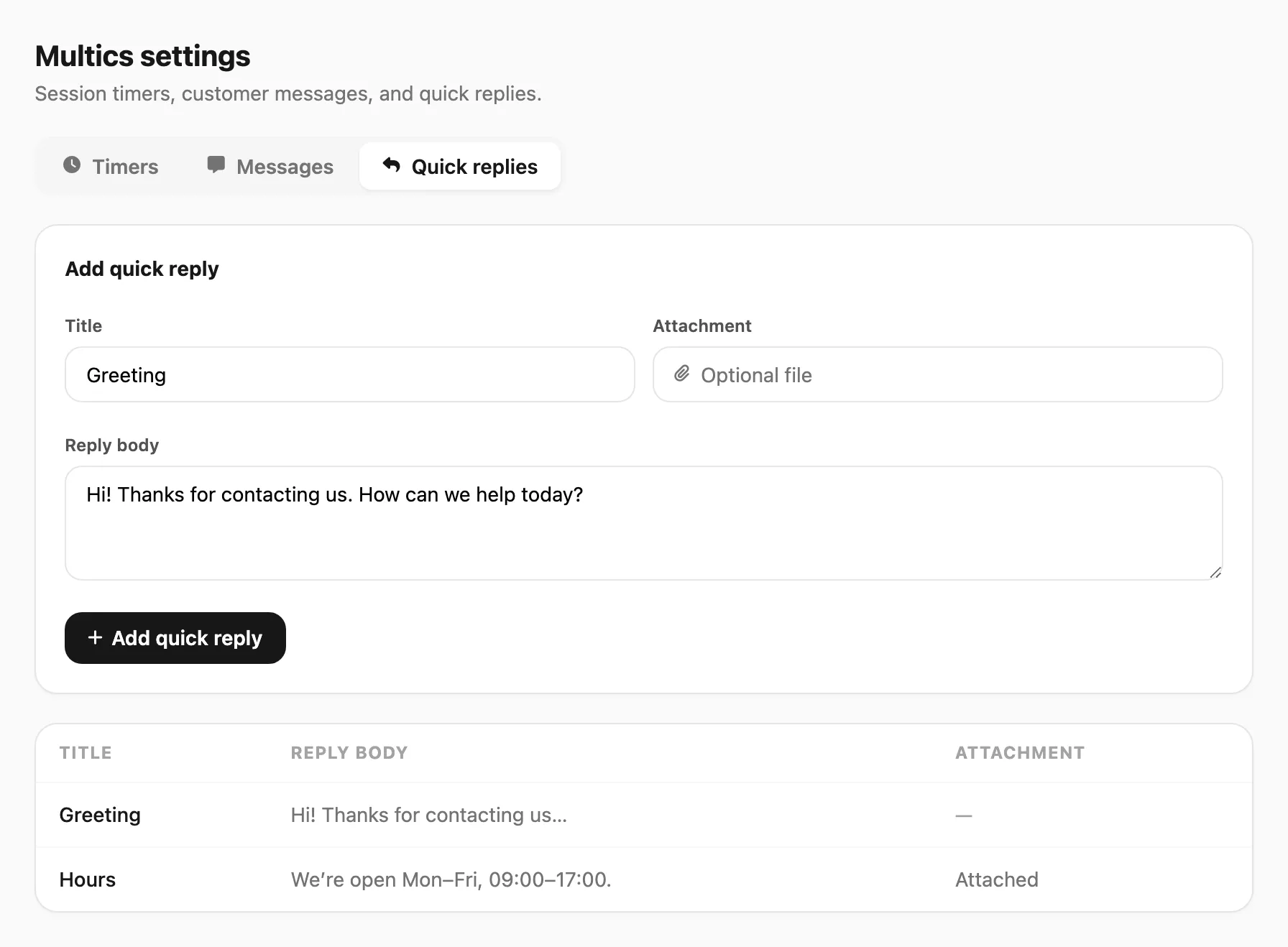 Sample data shown.