Settings & support
2 min read
Account settings
Go to Account → Settings.
Update profile details and preferences shown in your dashboard. Copy your API token here for the public Send API — see Authentication. Sign out from here when using a shared computer. Account access is tied to your Google sign-in — there is no separate Kirisan password to change here.
Profile
The Profile tab holds your display name, WhatsApp number, country code, and timezone. Email is synced from Google and is read-only here.
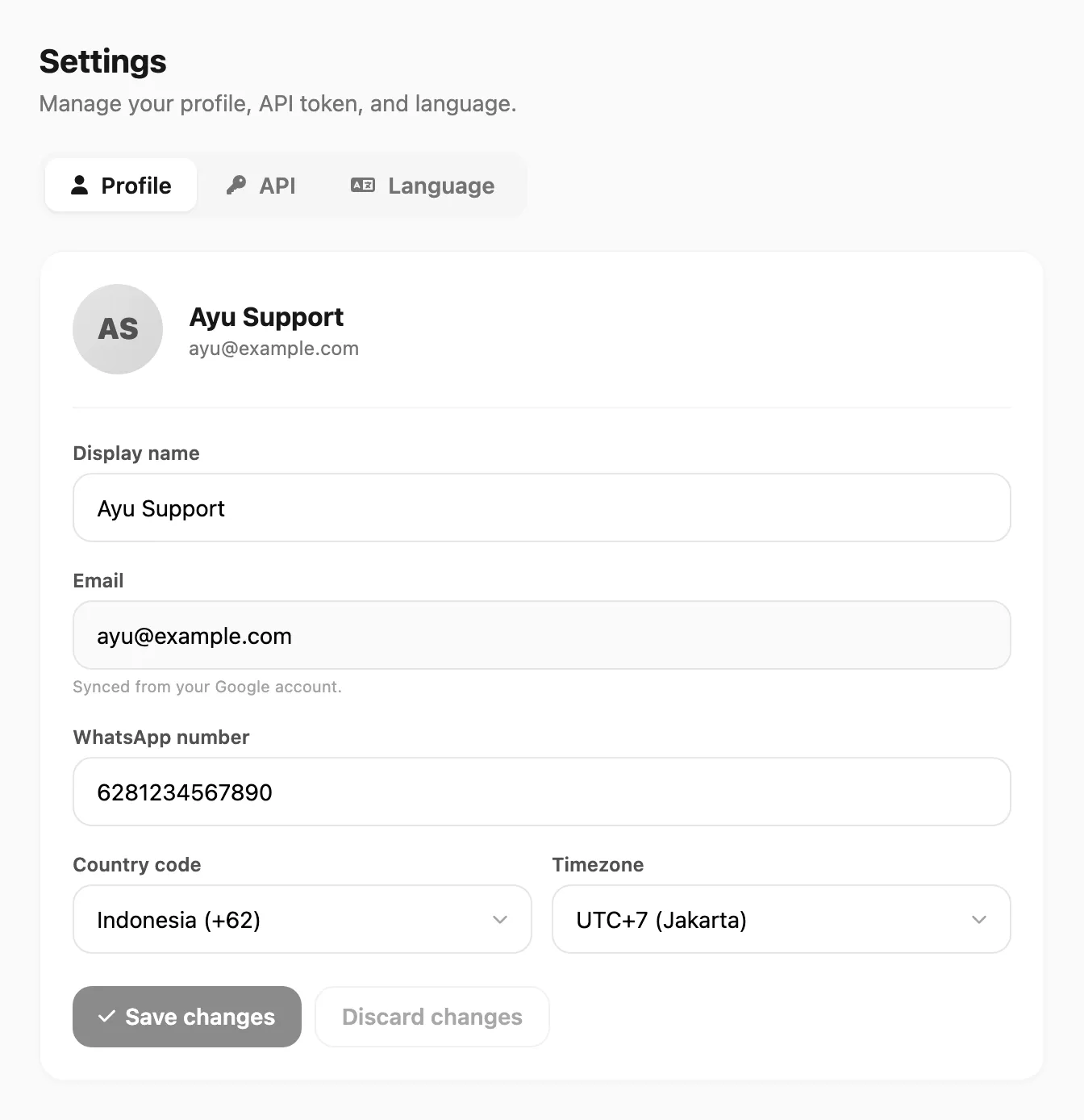
Sample data shown.
| Control | What it does |
|---|---|
| Display name | Name shown in the dashboard |
| Google account email (read-only) | |
| WhatsApp number | Optional contact number; leading 0 is normalized with your country code on save |
| Country code | Dialing prefix for phone/WhatsApp locale |
| Timezone | UTC offset used for timestamps on your account |
| Save changes / Discard changes | Apply or cancel edits |
API token
Open the API tab to show, copy, or regenerate your account token. Keep it secret — anyone with the token can send on your account.
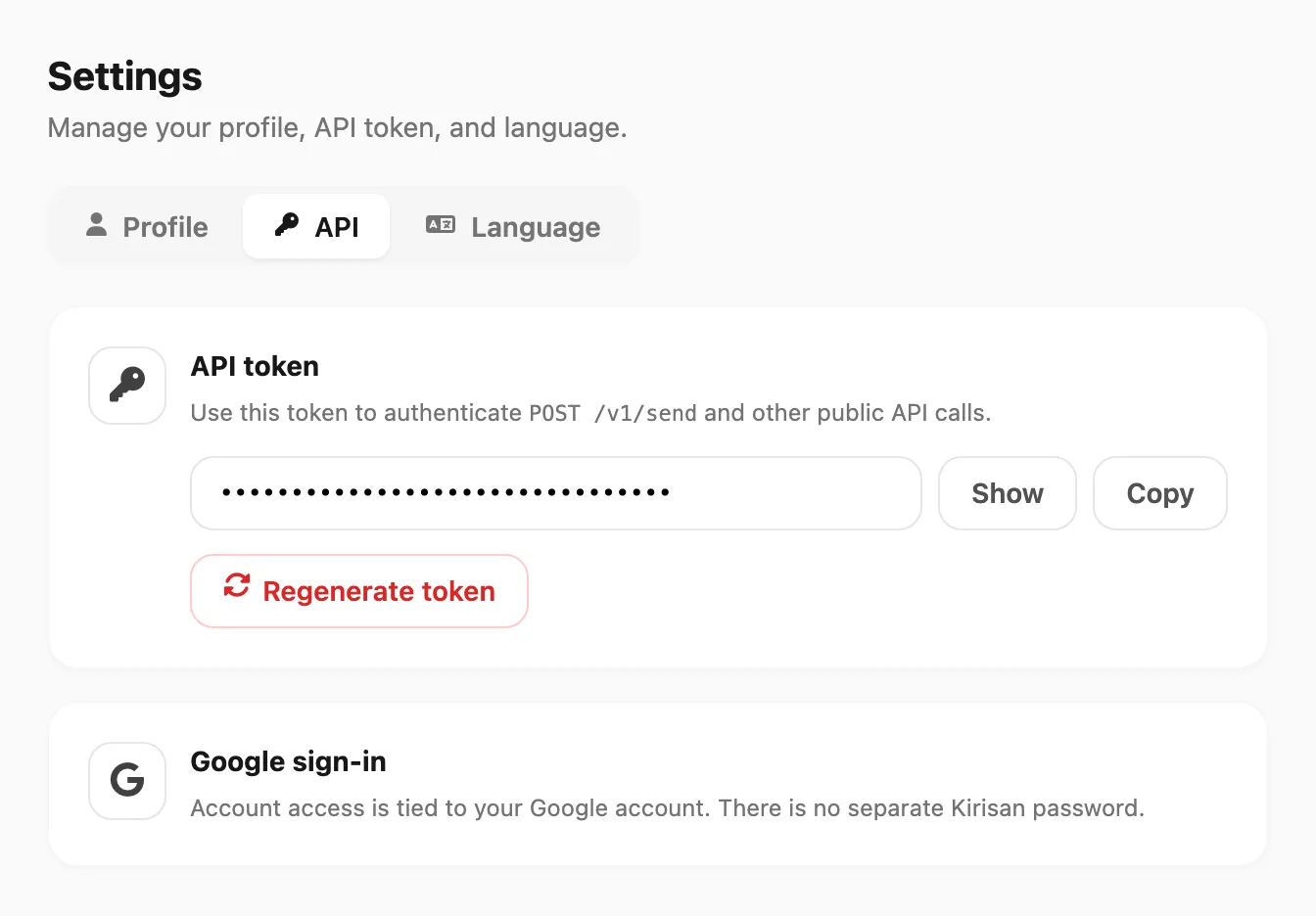
Sample data shown.
| Control | What it does |
|---|---|
| Show / Hide | Reveal or mask the token |
| Copy | Copy the token to the clipboard |
| Regenerate token | Issue a new token; the old one stops working immediately |
| Google sign-in | Link to your Google Account settings |
Support
For product support, use this help center and the channels below. When you contact us, include:
- Your account email
- Device or channel affected
- Approximate time of the issue
- Screenshots from Logs if delivery failed
Help resources
| Resource | Location |
|---|---|
| This help center | docs.kirisan.com |
| YouTube tutorials | Linked from Account → YouTube in the sidebar |
| Marketing site | kirisan.com |
Related
- Team — invite coworkers and control their access
- Dashboard tour — every sidebar screen explained
- Authentication — account token for the Send API